Glyphos
An AI icon generator that creates high quality scalable icons and full icon packs in global design styles, fast.
UI/UX Design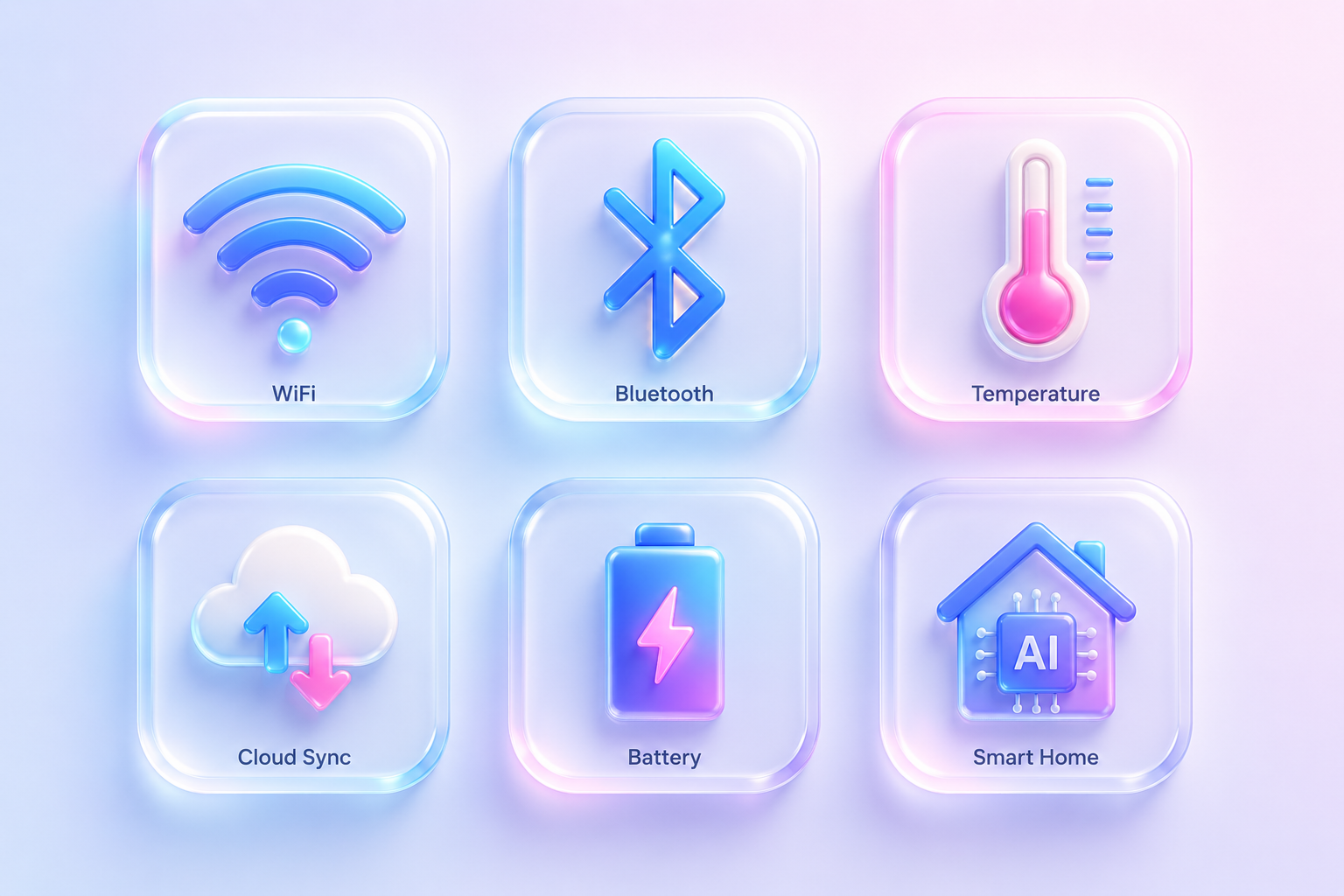



Why Glyphos
Create cohesive icon systems from idea to export in seconds.
An AI icon generator that creates high quality scalable icons and full icon packs in global design styles, fast.
- Generate scalable SVG icons instantly
- Create cohesive full icon packs
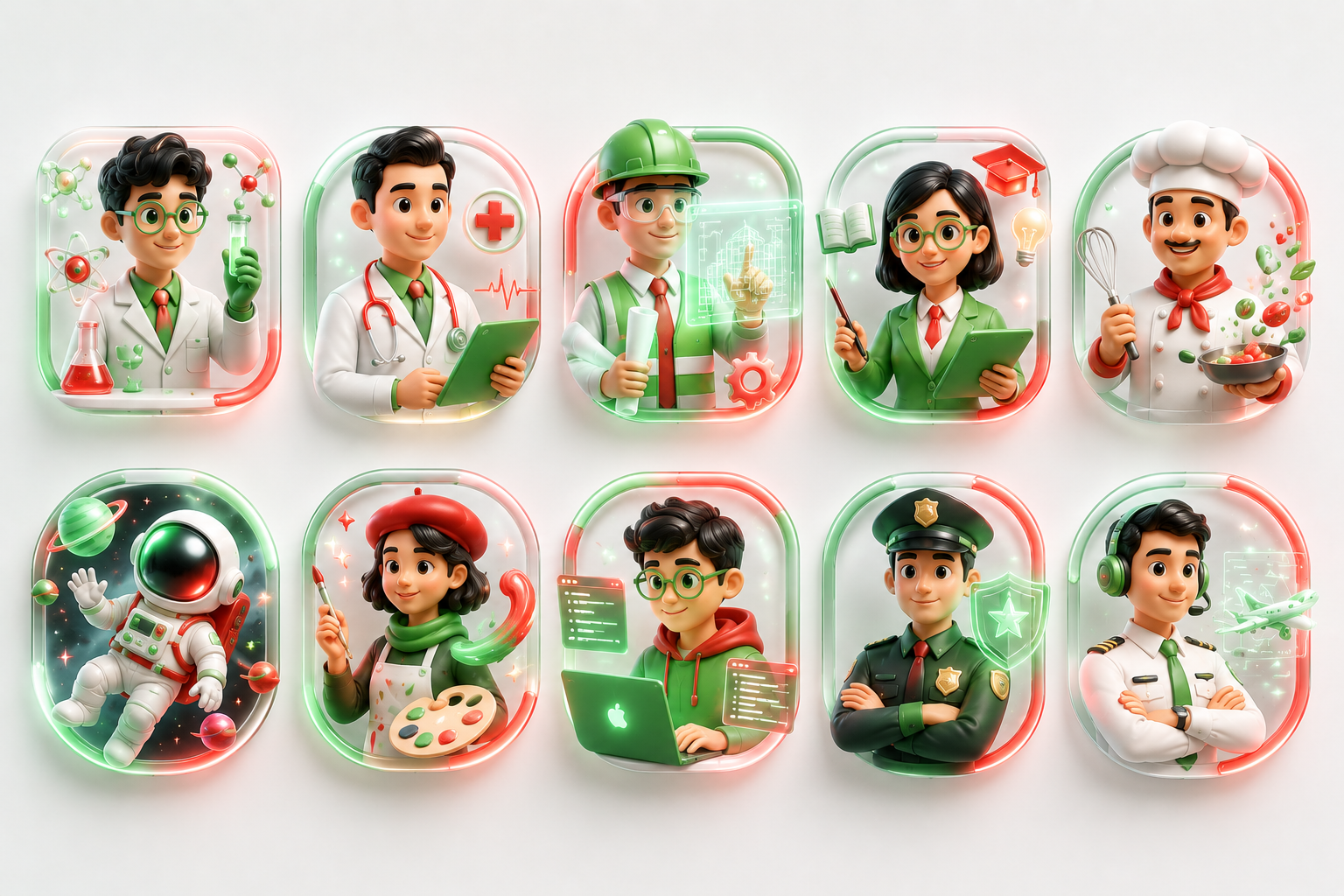
- Match global and regional design styles
- Export production-ready icon files
- Customize style, weight, and color
< 5 min
Time to first run
24 / 7
Always-on operation
100 %
Audit-logged actions
Free
No credit card needed
How it works
How Glyphos works
Define your icon brief
Describe the style, theme, and intended use. Glyphos accepts free-text prompts or structured inputs like industry, color palette, and cultural context.
Select a global design style
Choose from a range of regional and international design styles. Glyphos applies the right visual conventions for your target market.
Generate icons at scale
Glyphos produces individual icons or full icon packs in one run. Output is scalable vector format, ready for immediate use.
Review and refine outputs
Preview every icon before committing. Adjust stroke weight, fill, or style direction and regenerate in seconds.
Overview
Glyphos
An AI icon generator that creates high quality scalable icons and full icon packs in global design styles, fast.
Key Benefits
What you get
Prompt to Production: Turn
Prompt to Production: Turn brief descriptions into production-ready icons and full packs with a single flow.
Style and System Controls:
Style and System Controls: Adjust line weight, corner radius, fill mode, and cultural motifs to match brand systems.
Vector Ready Exports: Export
Vector Ready Exports: Export optimised files that integrate with design systems and development pipelines.
Accessibility and Responsiveness: Generate
Accessibility and Responsiveness: Generate icon variations optimised for legibility at different sizes and contrast needs.
How it performs
Instant
Deployment to workspace
100%
Actions audit-logged
50+
Native integrations
24/7
Autonomous operation
Built-in capabilities
Generate scalable SVG icons instantly
Create cohesive full icon packs
Match global and regional design styles
Export production-ready icon files
Who uses this agent
Job roles it augments
UI Designer
Generates cohesive scalable icon sets that align with interface layouts and modern usability standards.
UX Designer
Creates accessible and recognizable iconography optimized for navigation clarity and user interaction.
Product Designer
Maintains visual consistency across products by rapidly producing standardized icon systems.
Design Systems Manager
Builds reusable icon libraries that align with platform-wide design tokens and branding requirements.
Frontend Developer
Receives development-ready SVG and export assets that reduce implementation and asset preparation time.
Industry fit
Relevant industries
Primary
Also used in
Tags
Glyphos is ready to deploy.
No code required · Connect your tools · See results on day one.
Related Agents
More agents like Glyphos
Guidebook
Agent Deployment Best Practices
Follow these practices to get the best results from Glyphos from day one.
Seed the agent with your domain knowledge before the first production run — quality in, quality out
Run in sandbox mode first with representative test inputs to validate outputs before going live
Review the KARMIC eval scores after the first 20-30 runs — they surface the highest-impact refinements
Define success metrics before deployment: what does "working correctly" look like for your workflow?
Set human-in-the-loop review gates for any outputs that carry business risk
Document your integration points clearly — agents that touch multiple systems need clear data ownership
Get the full AI Agent Playbook
47 pages on deploying AI agents in enterprise — strategy, architecture, and measurement. Free PDF.
No spam. Unsubscribe anytime.
FAQ
Questions buyers ask before deployment
Glyphos converts your description and selected style inputs into visually consistent icons by applying design rules like shape, color, and composition to match modern icon systems.
What's next
Choose your path
Get started on your own, or have our team build exactly what you need.
Build it yourself in minutes.
Use the Agent Building Studio to create a version of Glyphos tailored to your data and workflow. No code required — Helix guides you through every step.
- No-code visual builder
- Connect your own data sources
- Helix AI assistant included
- Deploy in under 5 minutes
Let our experts build it for you.
Our Agentic AI Lab provides forward-deployed engineers who tailor Glyphos to your exact systems, proprietary data, and approval logic — and deploy in weeks.
- Custom integrations & data pipelines
- On-prem, VPC, or cloud deployment
- Dedicated forward-deployed engineer
- Enterprise SLA & compliance support