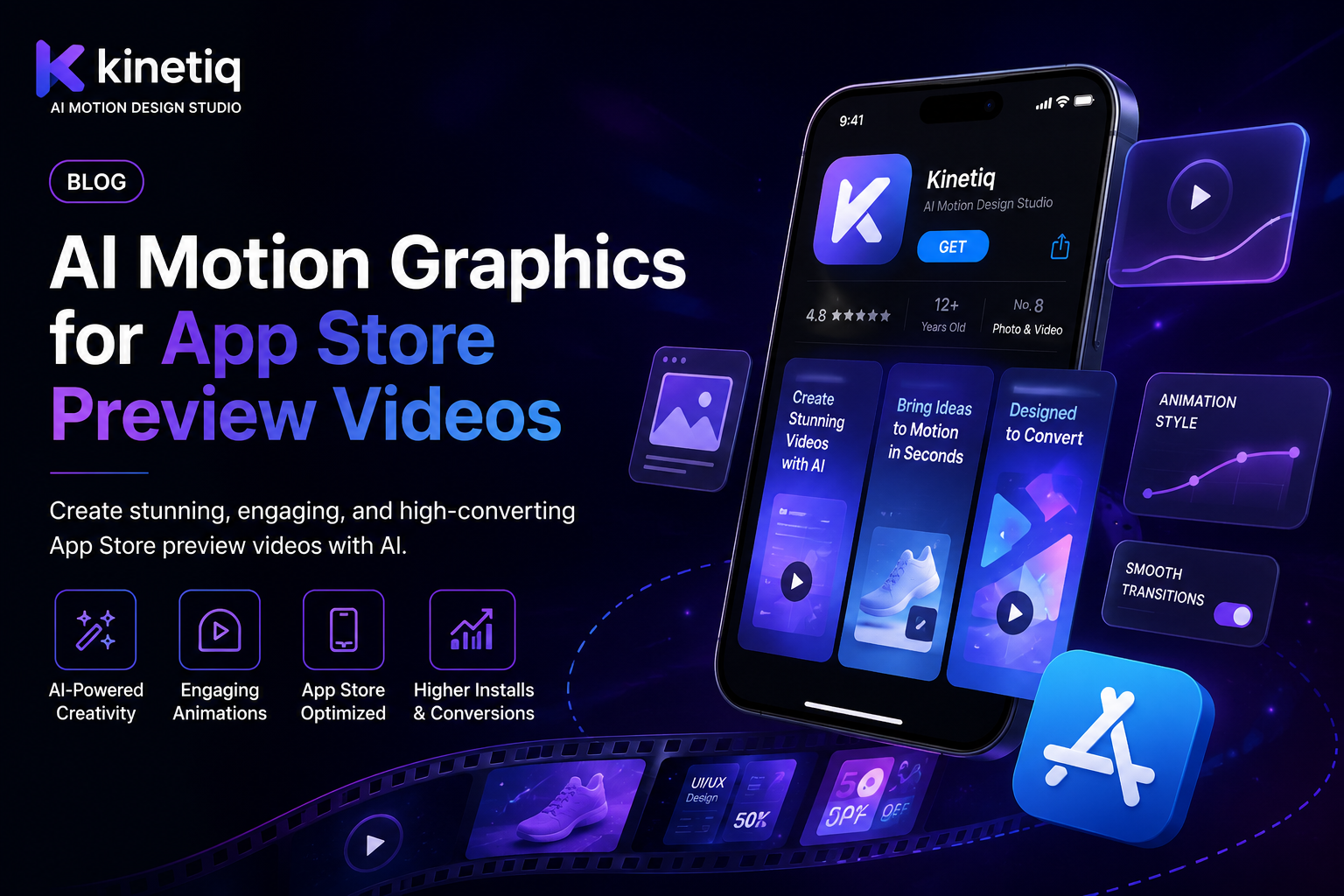
AI Motion Graphics for App Store Preview Videos
A preview video is one of the highest-leverage assets on an app store listing, and it's usually the most neglected
An app store listing's preview video plays automatically as a user scrolls, often before they've read a single line of the description, which makes it one of the very first impressions a potential user forms about an app. A well-made preview video that clearly shows what the app actually does and why it's worth downloading measurably improves conversion from listing view to install — yet it's routinely the most out-of-date asset on the entire listing, because updating it has historically required the same production effort as making it the first time.
This matters more than app teams sometimes realize, because a preview video showing an old UI, a removed feature, or outdated branding doesn't just fail to help — it actively creates a mismatch between what a user expects and what they actually open after installing, which is exactly the kind of first-impression gap that drives early uninstalls.
Why the traditional app store video workflow doesn't keep up with release cycles
A typical app store preview video is produced once, around a major launch or redesign, through a screen-recording pass, a motion graphics overlay, and an edit — real production work that a product or growth team usually outsources or schedules as a dedicated project. Modern apps ship UI changes far more frequently than that production cycle can accommodate, so the preview video quietly drifts out of sync with the actual current app within a release or two, and revisiting it competes for the same limited design resources as every other launch asset.
This is a particularly avoidable form of churn, since the preview video is often the very first thing that shapes a potential user's expectation of the app, and a mismatch discovered in the first few seconds after install is one of the more preventable reasons a new user decides the app isn't what they expected and uninstalls it shortly after.
What an AI-driven app store video workflow looks like instead
An AI motion design approach built around actual app screenshots changes the calculus completely. A product or growth marketer uploads current screenshots or a short screen recording of the app's key flows, and the system plans layout, callouts, and motion around the real UI rather than a stale mockup. Because the composition is structured and editable, updating one screen after a redesign is a scoped edit to that scene, not a full re-production — which is exactly the property that makes it realistic to keep a preview video in sync with an app that ships updates every few weeks.
Where this shows up across an app's release and marketing calendar
● Launch preview videos: a complete, polished app store video produced for initial launch without a dedicated video production project.
● Post-redesign refreshes: updating the specific scenes that reference a changed UI immediately after a redesign ships.
● Feature-highlight variants: a preview video variant leading with a specific feature, useful for A/B testing which opening hook converts best.
● Seasonal and campaign variants: a preview video reflecting a seasonal feature or promotion, swapped in and out around the calendar.
● Localized store listings: adapting an approved preview video's structure and captions for different regional app store listings.
The cost comparison in plain terms
Commissioning a fresh app store preview video through a design agency or freelancer each time the UI changes meaningfully commonly costs enough, and takes enough turnaround time, that most product teams simply accept a stale preview video rather than repeatedly paying for a refresh — which is exactly why so many app store listings show a UI that no longer matches the current app.
An AI-driven, screenshot-based workflow changes that calculus by making an update proportional to the size of the actual change: a scoped edit to one changed scene costs a fraction of a full re-production, which is what makes it realistic to keep a preview video accurate release after release instead of letting it drift for months or years at a time.
Why this shift is happening now, not five years ago
App store optimization has always known preview video matters for conversion — the constraint was that keeping it current required exactly the kind of full re-production that competes with every other design priority on a product team's plate. What's changed is the arrival of tools that plan a video's layout and motion directly from real app screenshots and measure their actual dimensions and colors, combined with a scene-based, editable composition format that lets one changed screen be updated in isolation. That combination is what turns an app store preview video from a one-time launch asset into something that can realistically stay in sync with a fast release cadence.
How Kinetiq keeps an app store preview video current
This is a direct extension of the same screenshot-driven workflow Kinetiq at https://kinetiq.nagent.ai uses for onboarding walkthroughs, applied to the app store listing itself. A product marketer uploads current screenshots of the app's key flows, and Kinetiq's Director plans a preview sequence that highlights the strongest features first, with captions and narration generated to match the store's format and length requirements.
When a redesign changes a specific screen, the fix is a scoped edit to that scene in Kinetiq's chat or canvas, leaving the rest of the preview video's structure untouched — the same mechanism that keeps an onboarding walkthrough accurate applies just as directly to the app's public-facing store listing, which is arguably under even more pressure to stay visually accurate, since it's the very first thing a prospective user sees.
Feature by feature: what to reach for in an app store video workflow
● Screenshot / image video mode — upload current app screenshots to Kinetiq and let it plan the preview's layout and motion around your real UI.
● Scene-scoped chat edits — update just the screen that changed after a redesign in Kinetiq, without re-producing the entire preview video.
● Templates and variables — build feature-highlight variants of the same preview in Kinetiq for A/B testing which opening hook converts best.
● Captions and narration — Kinetiq built-in TTS and captioning keep a preview video clear even when store previews autoplay muted.
● Multi-format export — render the preview video in Kinetiq at the exact resolution and aspect ratio each app store platform requires.
● Localization via variables — adapt an approved preview's captions and narration for different regional store listings inside Kinetiq without rebuilding the video from scratch.
The pipeline in more detail: keeping a store listing in sync with every release
Seeing how Kinetiq's stages apply to a store listing clarifies why staying current is realistic. The Brief stage takes current app screenshots, and the Generate stage produces a scene per featured screen or flow, with the Director planning which feature deserves the strongest opening moment for conversion. The Audio stage adds narration and captions automatically, formatted to match each app store's specific preview requirements. A Quality pass checks for structural issues before the marketing team reviews the draft.
Because each featured screen is its own scene, a redesign affecting one part of the app touches only the corresponding scene during Refine — the rest of the preview's structure, pacing, and other screens stay untouched, which is exactly the property that turns a UI change from a full re-production into a five-minute update.
A sample workflow: refreshing a preview video after a redesign
An app team redesigns its main dashboard screen, changing the layout of its three most-used features. Instead of scheduling a full re-shoot of the app store preview video, the team opens the existing composition in Kinetiq and identifies the one scene showing the old dashboard.
A chat instruction — "update this scene with the new dashboard screenshot and highlight the same three features in their new positions" — regenerates just that scene while the rest of the preview video's structure and pacing stay untouched. The updated preview is live on the store listing the same week the redesign ships, rather than continuing to show an outdated UI for months until the next scheduled video refresh.
Common mistakes app teams make with store preview videos
● Letting the preview video fall out of sync with the current UI after a redesign, creating a mismatch between the listing and the actual app.
● Producing only one preview video and never testing feature-highlight variants that might convert better for different audiences.
● Skipping captions and relying on narration alone, when most store previews autoplay muted.
● Treating localization as an afterthought instead of planning captions and narration as variables from the start.
● Not tying the preview video to the release process, so a major UI change ships without anyone flagging that the store listing needs an update too.
How to know it's actually working
The clearest metric is listing-to-install conversion rate, ideally tracked before and after a preview video refresh, since that's precisely the number app store preview video is meant to move. It's also worth watching how long a preview video goes between updates relative to how often the app itself ships UI changes — a growing gap between those two numbers is an early warning sign that the store listing is drifting out of sync with the product it's supposed to represent.
It's also worth comparing early-retention metrics — day-one and day-seven usage — between users who installed after watching an accurate, current preview versus those who installed when the preview was already stale, since a mismatch between what's shown and what's actually opened is a plausible contributor to early uninstalls that's easy to overlook without this specific comparison.
Rolling this out as part of the release process
The most effective way to make this stick is treating a preview-video review as a standard checklist item on any release that changes a screen featured in the current video — the same discipline suggested for onboarding walkthroughs, applied to the store listing. Using Kinetiq to make that review cheap (a scoped edit rather than a full re-production) is what makes it realistic to actually follow that checklist item consistently, rather than it becoming another well-intentioned process step that gets skipped under deadline pressure.
Beyond keeping the existing preview current, product marketing teams that want to run conversion experiments can build a small set of feature-highlight variants from the same base template, testing which opening hook — the core workflow, a specific standout feature, a social proof moment — actually converts best for their specific audience.
Beyond the store listing: reusing the same screenshots elsewhere
Once a set of current, well-organized app screenshots exists for a preview video, the same source material supports other assets that also tend to go stale after a redesign — the static screenshot gallery on the store listing itself, a features page on the company website, or a sales deck slide showing the product's interface. Treating the screenshot set as a shared source across all of these, rather than maintaining each asset's imagery separately, means a single UI update only needs to be re-captured once rather than tracked down and fixed in several different places.
This is particularly valuable for a growth or product marketing team juggling many assets across many channels, where the app store preview video is often just one of several places an outdated screenshot can quietly undermine an otherwise strong marketing effort.
A quick checklist before publishing an app store preview video
● Do the screenshots in the video match the current, live version of the app, not a previous release?
● Are captions present, given that most store previews autoplay without sound?
● Does the video lead with the feature most likely to drive an install, rather than a generic company intro?
● Has the video been rendered at the exact resolution and aspect ratio each targeted app store platform requires?
● Is there a plan to review and, if necessary, update this video the next time a featured screen changes?
Frequently asked questions
Can Kinetiq build a preview video directly from our app's screenshots?
Yes — Kinetiq's screenshot and image video mode plans the preview's layout and motion directly around uploaded screenshots, measuring their real dimensions and colors.
How do we update the video after a UI redesign without starting over?
Because each screen is its own scene in the underlying composition, updating just the affected scene through chat or the canvas is a scoped edit, not a full re-production.
Can we test different versions of our preview video?
Yes — build feature-highlight variants from the same base template to test which opening hook converts best for your audience.
Can we localize the same preview video for different regional app store listings?
Using variables for captions and narration lets an approved preview's structure be adapted for a new market's language without rebuilding the video.
Can we produce preview videos for multiple app store platforms from one source?
Yes — Kinetiq renders the same composition at the exact resolution and aspect ratio each targeted app store platform requires, from one underlying source.
How do we know if our current preview video is actually out of date?
Comparing the screenshots in the current video against the live app's current screens is the most direct check — if any featured screen has changed since the video was made, that scene is a candidate for a scoped update.
The takeaway
An app store preview video is one of the highest-leverage assets on a listing, and it shouldn't be one of the most neglected. Kinetiq keeps a preview video current with the actual product by making an update a scoped edit instead of a full re-production. Build or refres