
Beyond the Render: Zero-Click Audio in AI Video
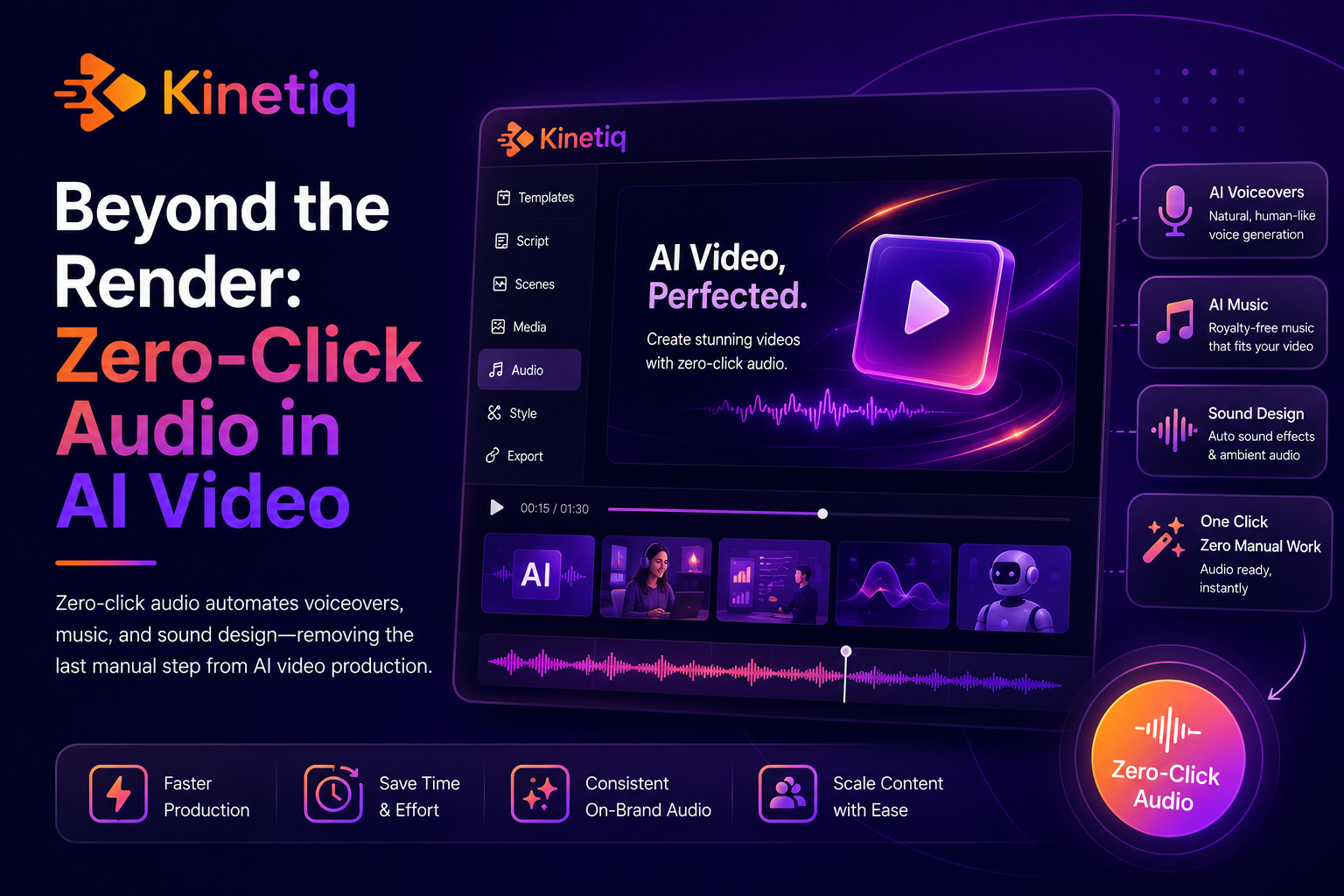
Beyond the Render Button: How Zero-Click Audio Is Changing AI Video Production
Ask anyone who has actually finished a video, rather than just cut one, where the real time goes, and a surprising number will say audio. Getting the visuals right is only part of the job. A video isn't finished until it has a voiceover that sounds natural, music that sets the right tone without fighting the narration, sound effects timed to the motion on screen, and captions that sync accurately to the spoken words. That work has traditionally required its own specialist, its own software, and its own pass through the production timeline, tacked onto the end of a process that was already slow.
AI motion design tools have started closing that gap the same way they closed the gap on visual production: by making audio a default part of generation rather than a separate step a human has to initiate. The category has landed on a term for this — zero-click audio — and it's worth understanding both what it actually replaces and why it matters as much as it does for anyone producing video regularly. This piece looks at how it works, using Kinetiq AI Motion Design Studio as a working example, and why audio has been such a stubborn bottleneck in the first place.
Why Audio Was Always the Slow Part
Visual production has had decades of tooling investment aimed at speeding it up — templates, stock libraries, drag-and-drop editors. Audio production for video lagged behind for a simple reason: it requires a genuinely different skill set than visual design, and most teams producing video in-house didn't have a dedicated audio person on staff. The default workaround was outsourcing: a freelance voiceover artist recorded narration, a separate music licensing service or composer provided background tracks, and someone with editing chops manually synced everything, balanced levels so the music didn't drown out the narration, and added captions by hand or through a separate transcription tool.
Each of those steps introduced its own delay. A voiceover artist needs a script finalized before they can record, and revisions mean a new recording session. Music licensing means searching a library, checking usage rights, and often paying per-use fees. Manual audio mixing — making sure music ducks appropriately under narration, that sound effects land exactly on a visual beat — is a genuine craft skill that takes time even for someone experienced at it. Stack these together, and audio easily added as much time to a video's production timeline as the visual animation itself, sometimes more, because visual drafts could at least be reviewed in a rough state while audio typically couldn't be judged until it was close to final.
What Zero-Click Audio Actually Means
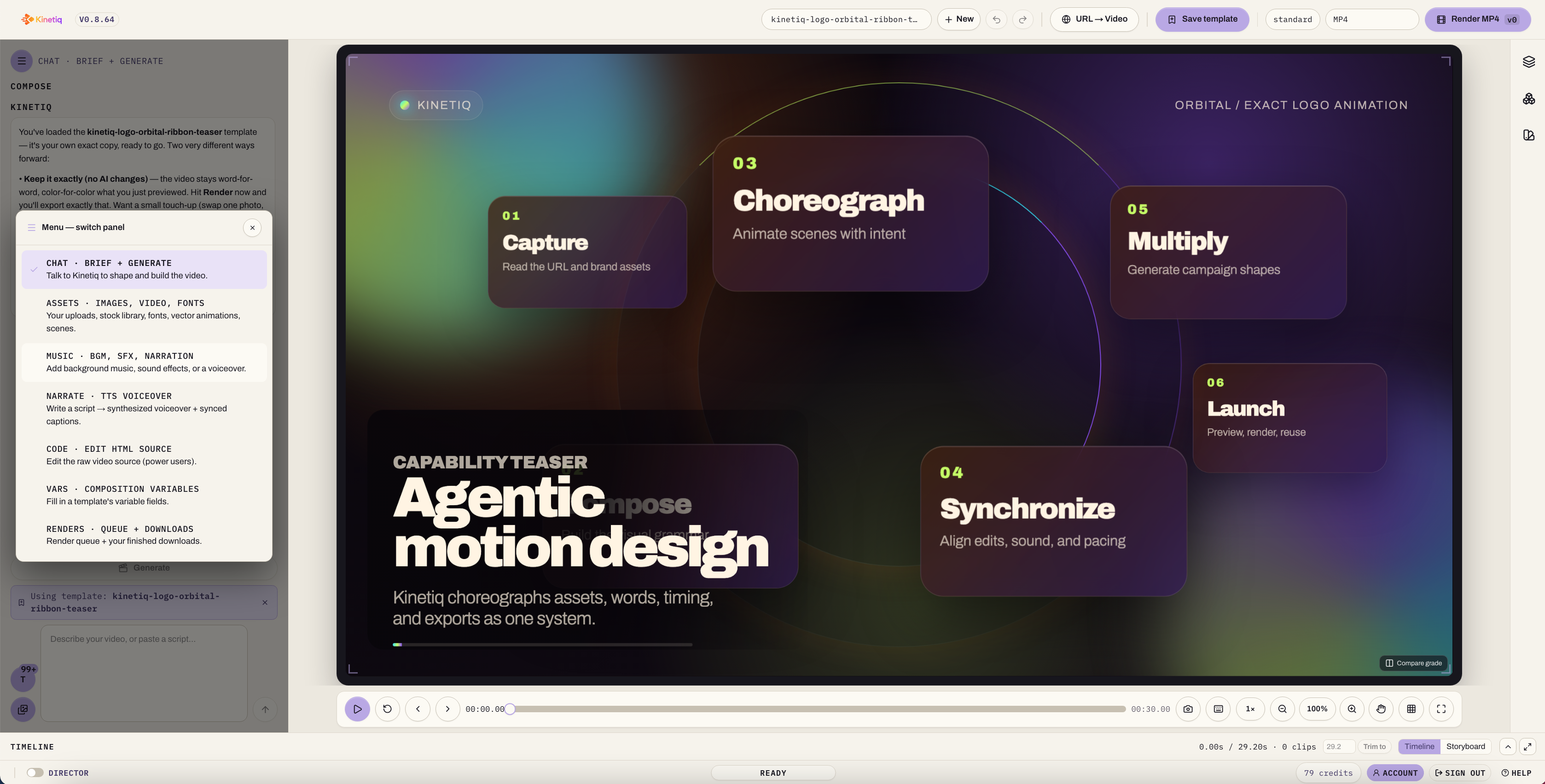
Zero-click audio describes an architecture where voiceover, music, and sound effects are generated as part of the same process that generates the video's visuals, rather than as a separate step a user has to initiate afterward. Kinetiq is explicit about this design goal: the first cut already has sound and motion, nothing bolted on afterwards. A user doesn't need to separately request a voiceover, then separately search for music, then separately time sound effects — all three are already present in the first preview of a generated composition.
Breaking down what this actually covers:
Voiceover is generated directly from the script or brief driving the video, using natural-sounding synthetic voices, with support for preserving an uploaded speaker's own voice when a video needs to sound like a specific person — a founder, an executive, a known brand voice — rather than a generic narrator. Captions are generated in sync with the actual words spoken, rather than requiring a separate transcription and timing pass.
Music and sound effects are selected and placed automatically based on the composition's tone and pacing, with background music auto-ducked under narration so the two don't compete for attention, and sound effects timed to specific visual beats — a transition, an on-screen action — without a human manually placing audio markers against a timeline.
Motion-synced effects, described in Kinetiq's positioning as shader transitions, particles, and kinetic effects composed to the beat, extend this same zero-click principle to visual effects that are traditionally just as time-consuming to hand-place as audio cues, tying the two together so the finished result feels intentionally designed rather than assembled from separately produced pieces.
Why This Matters More Than It Might Sound
It's easy to underrate how much this changes a video's practical production timeline, because audio has historically been treated as a finishing touch rather than a core deliverable, even though it consumed a comparable amount of production time. Removing it as a separate step doesn't just save the hours a dedicated audio pass would have taken — it removes an entire category of coordination overhead: scheduling a voiceover recording session, searching and licensing music, waiting on a separate specialist's availability, and the back-and-forth of getting levels and timing right through review cycles.
For teams without a dedicated audio resource — which describes most marketing and product teams outside of large media organizations — this is often the difference between a video that includes professional-sounding narration and music, and one that ships silent or with an obviously amateur voiceover recorded on a laptop microphone because there wasn't time or budget for anything better. Zero-click audio closes that gap by default, which raises the baseline quality of video content produced by teams that were never going to have a dedicated sound designer regardless of how good the tool's visual capabilities are.
Voice Preservation and Why It Matters for Brand Voice
One detail worth calling out specifically is the ability to preserve an uploaded speaker's own voice rather than defaulting to a generic synthetic narrator for every video. This matters for a specific and common use case: founder-led marketing, executive communications, and any content where the audience expects to hear from a known, specific person rather than an anonymous narrator.
A founder recording a single reference sample and having that voice consistently available across every subsequent generated video solves a real production problem — previously, getting a founder's actual voice into a video meant scheduling their time for every single recording, which was rarely practical for routine content like a quick feature announcement or an internal update, even when it would have been the ideal choice for tone and authenticity. Being able to generate new content in a preserved, consistent voice without requiring that person's time for every instance removes a scheduling bottleneck that had nothing to do with the technology and everything to do with a busy executive's calendar.
Captions as a Default, Not an Afterthought
Captions deserve specific attention because they've quietly become one of the most consequential parts of video production, given how much video consumption now happens with sound off — social feeds in particular are watched muted by a large share of viewers, which means a video without accurate, well-synced captions is effectively losing a meaningful portion of its message for a meaningful portion of its audience.
Manually captioning a video has traditionally meant running the finished audio through a transcription tool, then manually correcting errors and adjusting timing so captions appear and disappear in sync with speech — a tedious pass that often got skipped or rushed under deadline pressure, especially for lower-priority content. When captions are generated directly from the same script driving the voiceover, already synced to the actual words spoken, that entire manual pass disappears, and captions stop being the thing that gets cut when a team is short on time.
How This Changes the Actual Production Timeline
It's worth quantifying what zero-click audio removes from a typical production timeline, because the individual steps it eliminates are each small enough to underestimate in isolation, but substantial when stacked together.
Script-to-voiceover turnaround, traditionally one to several days depending on a voiceover artist's availability and revision cycles, compresses to the same generation pass that produces the video's visuals — no separate turnaround at all.
Music selection and licensing, traditionally a search-and-clear process that can take anywhere from an hour to a full day depending on how particular a team is about the right track, is resolved automatically as part of generation, with the tone-matching handled by the system rather than a human search.
Audio mixing and ducking, traditionally requiring either a dedicated audio editor or a generalist editor spending meaningful time getting levels right, happens automatically as part of the composition.
Sound effect timing, traditionally a frame-by-frame placement task in a timeline editor, is generated in sync with visual beats as part of the same process.
Captioning, traditionally a separate transcription-and-correction pass, is generated directly from the script and synced automatically.
Individually, each of these might have added a day or less to a production timeline. Collectively, they routinely added most of a week to finishing a video after the visuals were otherwise done — which is exactly the kind of compounding delay that makes "just add a quick video" a much bigger commitment than it should be for routine marketing and product content.
What This Doesn't Replace
It's worth being honest about where zero-click audio has limits, the same way any AI-generated first draft has limits. High-stakes, brand-flagship content — a national ad campaign's hero spot, an awards-consideration piece — still often benefits from a professional voice actor's specific performance choices and a composer's bespoke score, the same way flagship visual content still benefits from a specialist motion designer's hand. Zero-click audio is best understood as raising the floor for routine production, not necessarily replacing the ceiling that dedicated audio professionals can reach for a team's most important assets.
The practical pattern that's emerged among teams using this well is similar to how they treat AI-generated visuals: zero-click audio handles the volume of everyday video content — product updates, social ads, internal communications, routine explainers — while human audio specialists, when a team has access to them, get reserved for the small number of flagship pieces where the investment is clearly justified.
Evaluating Audio Capabilities in an AI Motion Design Tool
Teams assessing this category specifically for audio quality should check a few concrete things rather than assuming all "AI video with audio" claims are equivalent:
Does voiceover sound natural, or obviously synthetic? This varies significantly between platforms and is worth testing directly with a team's actual scripts rather than judging from a polished demo reel.
Is voice preservation supported for a specific speaker, and how much reference audio does it require to sound convincing?
Does music auto-duck under narration, or does a user have to manually balance levels after the fact?
Are captions generated in sync automatically, and do they require manual correction as a normal part of the workflow, or only in edge cases?
Are sound effects and motion-synced VFX included by default, or only available as a separate manual step?
Can audio be refined without starting over? A well-built tool should allow adjusting a voiceover's pacing or swapping a music track without regenerating the entire visual composition from scratch.
The Cumulative Effect on How Often Video Gets Made
Zooming out, the practical effect of removing audio as a separate bottleneck compounds with the same effect on visual generation discussed elsewhere in this category: video stops being reserved for occasions important enough to justify a full production cycle, and becomes available for routine, everyday communication needs. A quick answer to a common customer question, a thirty-second internal update, a same-day response to a competitor's announcement — none of these have historically been worth the coordination overhead of scheduling a voiceover session and sourcing music, even when a video would have communicated the message more effectively than text. Once that overhead disappears, the calculation changes, and teams that previously defaulted to text or a static image for this long tail of everyday communication start defaulting to video instead, simply because there's no longer a meaningful cost difference between the two formats.
The Broader Point: Finishing, Not Just Generating
The real significance of zero-click audio is what it says about how the AI motion design category has matured. Early AI video tools mostly solved for generating visuals quickly, leaving everything else — audio, captions, multi-format export — as separate manual work that undercut the speed advantage the visual generation had created. A video that renders in minutes but then needs another week of audio work before it's actually publishable hasn't really solved the production bottleneck; it's just moved it.
Treating audio as part of the same generation pass the visuals come from is what actually delivers on the promise of a finished, publishable video in minutes rather than a fast visual draft that still needs a week of finishing work. For any team evaluating AI motion design tools, this is worth checking as carefully as visual quality, because it's frequently the difference between a tool that produces genuinely finished output and one that just moves the bottleneck from the animation stage to the audio stage.
Zero-Click Audio and the Localization Problem
One additional benefit of zero-click audio worth calling out separately is what it does for localizing video content across languages and regions, a task that has traditionally been almost as expensive as producing the original video in the first place. Localizing a video the traditional way means re-recording voiceover in each target language with a native-speaking voice talent, re-timing captions for languages with different sentence structures and reading speeds, and often re-balancing music and sound effects around the new narration track — essentially repeating most of the audio production process once per language.
Because voiceover, music timing, and captions are generated as part of the same automated process rather than manually produced, localizing a video into an additional language becomes a matter of generating a new voiceover track from a translated script against the same visual composition, rather than commissioning an entirely separate production pass. The music and sound effect timing, already tied to the visual beats rather than to the specific words of the original language, carries over without needing to be manually re-matched to a new narration track.
For global companies and enterprises with regional teams — a category covered in more depth elsewhere, but worth flagging here specifically as an audio-driven benefit — this matters for the same reason it matters domestically: it turns localization from a per-language production project back into a fast, repeatable step. A company launching a product update that needs to reach markets in five languages no longer needs five separate audio production efforts; it needs five translated scripts run against the same underlying composition, with the automated audio pipeline handling the rest.
Ready to create production-ready videos in minutes instead of weeks? Try Kinetiq today and see how AI-powered motion design can transform the way your team creates, edits, and scales video content.
Frequently Asked Questions
These are the questions marketing, product, and creative teams tend to ask first when evaluating whether an AI motion design tool's audio capabilities are actually production-ready, rather than a demo-only feature.
Does AI-generated voiceover sound natural enough for professional marketing content?
Quality varies by platform, but the more mature tools in this category produce voiceover that holds up for routine marketing, product, and internal communications content, with the option to preserve a specific speaker's actual voice for content where that matters most.
Can I use my own voice or a specific executive's voice instead of a generic AI narrator?
Yes, tools that support voice preservation let a specific speaker's voice, captured from a reference recording, be used consistently across future generated videos without requiring that person's time for every new piece of content.
Does background music get licensed automatically, or do I still need to clear usage rights?
This depends on the platform's licensing model for its music library; the practical benefit of zero-click audio is that selection and placement are automatic, removing the manual search-and-timing work regardless of the underlying licensing approach.
Are captions accurate enough to publish without manual review?
Captions generated directly from the same script driving the voiceover are typically accurate and well-synced, though a quick review pass is still good practice for any content going out under a brand's name, the same way any AI-generated first draft benefits from a review before publishing.
Is zero-click audio a replacement for professional voice actors and composers?
For routine, high-volume video content, yes in practice. For a brand's most important flagship assets, many teams still bring in dedicated professionals for the final layer of polish, the same way they would for visual production on their highest-stakes work.