
The End of the E-com Photo Shoot: Product Visuals With RUPA
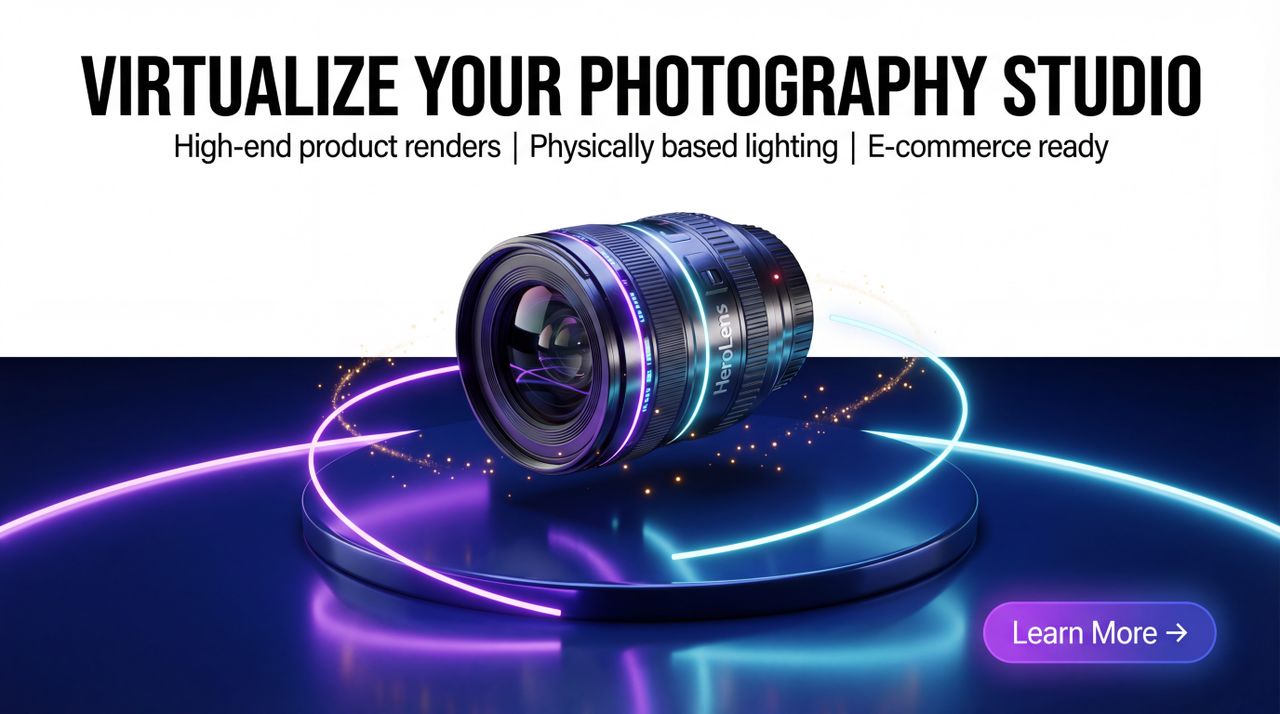
The Bottleneck: Why Traditional Studios Can’t Scale
In modern e-commerce, your visual assets are your ultimate conversion drivers. We have successfully used software to optimise almost every aspect of retail, from supply chain logistics to hyper-personalised digital storefronts.
Yet, the visual production pipeline has remained stubbornly analogue.
Scaling high-end product photography is fundamentally broken. Creative teams and marketing agencies are consistently bottlenecked by slow studio turnaround times. This analogue friction makes it nearly impossible to rapidly test visual aesthetics across campaigns. By the time a physical photo shoot is planned, executed, and edited for A/B testing, the market and consumer attention have already moved on.
Enter RUPA: product visuals from a brief
What is RUPA? RUPA is Nagent's AI image teammate, for e-commerce brands and agencies that need product visuals faster than a studio can deliver them. She renders product shots, ad stills and social images to a preset, with the brand guidelines attached.
Instead of a generic filter, RUPA works from your own product photos and references, and the brief describes the scene. The aim is a product that looks placed in the scene, with light, shadows and reflections that match, rather than pasted on top.
The result: a product shown in a high-end scene without cameras, lighting rigs or studio time, ready for a person to review.
How RUPA works, from brief to approved image
The workflow is short and every step is visible:
Step 1. Brief and preset: you set the look (for example "premium and luxurious"), upload your product photos, write a short brief and choose the size and aspect ratio.
Step 2. References: the product photos and any reference images tell RUPA the product's shape and finish, and Brand Locked keeps the brand guidelines attached.
Step 3. Render and review: RUPA renders the scene, and the drafts land in the Asset Library for a person to review.
Step 4. Video when you need it: approved stills can go to Alpha, Nagent's AI video teammate, who plans the video to a preset, quotes it before anything renders and waits for storyboard approval.
Step 5. Approval: nothing is used until a person approves it, and every step is recorded.
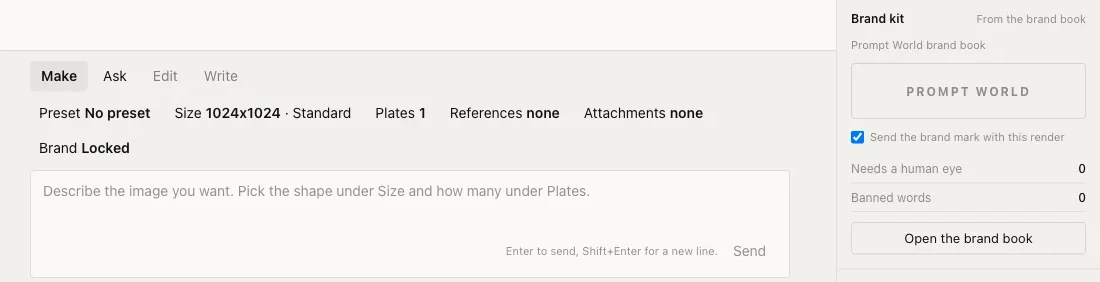
RUPA's composer: preset, size, plates, references and Brand Locked, beside the brand kit.
The Real ROI: Infinite Iteration at Software Speed
The true business value of AI product visuals goes beyond cost. It is about creative velocity and experimentation.
Because the studio is now completely virtualised, marketing teams can preview their products in countless contexts, from a sunlit kitchen to a rugged outdoor landscape to a minimalist studio in minutes. You can iterate on styling, camera angles, and material finishes without ever scheduling a costly reshoot.
By decoupling creative production from the physical shoot, RUPA makes visual A/B testing practical. Marketers no longer have to guess which hero image will anchor a landing page; they can test looks quickly and learn which visual language drives engagement.
The future of e-commerce isn't just about who has the best product. It is about who can iterate on their visual narrative the fastest.
RUPA turns that creative velocity into a brief, a preset and an approval.
Frequently Asked Questions: Nagent and RUPA
What is RUPA? RUPA is Nagent's AI image teammate. She renders product shots, ad stills and social images to a preset with the brand guidelines attached, for e-commerce brands and agencies that need studio-quality visuals without the studio. See AI product photoshoots with RUPA.
How does RUPA differ from a basic image filter? A filter overlays pixels on whatever you give it. RUPA renders a new scene from your product photos, references and brief, with the brand guidelines attached, so the result fits your brand rather than a generic style.
What inputs does RUPA need? A look or preset, a few simple product photos and a short brief describing how the product should appear.
What is the workflow? Brief and preset, references, render, review and approval. Video goes to Alpha, Nagent's AI video teammate, with storyboard approval before anything renders.
How long does it take? Far less than a studio booking. The main wait is the review, because a person approves each image before it is used.
Are the images ready for e-commerce use? You choose the size and aspect ratio before rendering, and approved images are exported for web pages and product listings.
Can RUPA make video as well? Video is Alpha's job. Approved stills can be handed to Alpha, who plans the video to a preset, quotes it before anything renders and waits for storyboard approval.
What environments can products be placed in? Any scene the brief describes, from sunlit kitchens to rugged outdoor settings to a minimal studio.
Can I change angles and styling without starting again? Yes. Because there is no physical set, the team can iterate on styling, angles and finishes with a new brief instead of a reshoot.
How does this help ROI and conversion? Beyond cutting shoot time and cost, it makes creative experimentation affordable, so marketers can rely on test results rather than guesswork to find the visual language that converts.
See an AI team at work
Book a 15-minute demo and watch a Nagent team plan, do and hand back real work in its room.