
Top No-Code AI Tools for SaaS: 3 Categories Explained

Top No-Code AI Tools for SaaS: 3 Categories Explained
The top no-code AI tools for SaaS product teams fall into three distinct categories, and most buying decisions go wrong because teams pick from the wrong one. Chatbot builders, workflow automation platforms, and agentic orchestration systems each solve a different problem. Match the tool class to your build stage, and you move fast. Pick the wrong category, and you spend three months building a prototype that can't scale.
Why do most "top no-code AI tools" lists fail product teams?

Most listicles treat chatbot builders and agentic systems as interchangeable, they are not.
The average "top no-code AI tools" roundup lumps together tools that answer questions, tools that trigger workflows, and tools that execute multi-step decisions autonomously. For a SaaS product team evaluating tooling, that conflation is expensive. You end up buying a conversational UI when you need an execution engine, or an automation platform when you need persistent memory across sessions.
The fix is a job-to-be-done lens. Three distinct jobs exist:
Prototype: validate an AI-assisted feature concept quickly
Automate: remove a repeating manual task from a defined workflow
Orchestrate: run a multi-step, decision-branching process end-to-end without human handoffs
Every tool category maps to one of these. Almost none maps to all three.
What does the "prototype" category actually deliver?
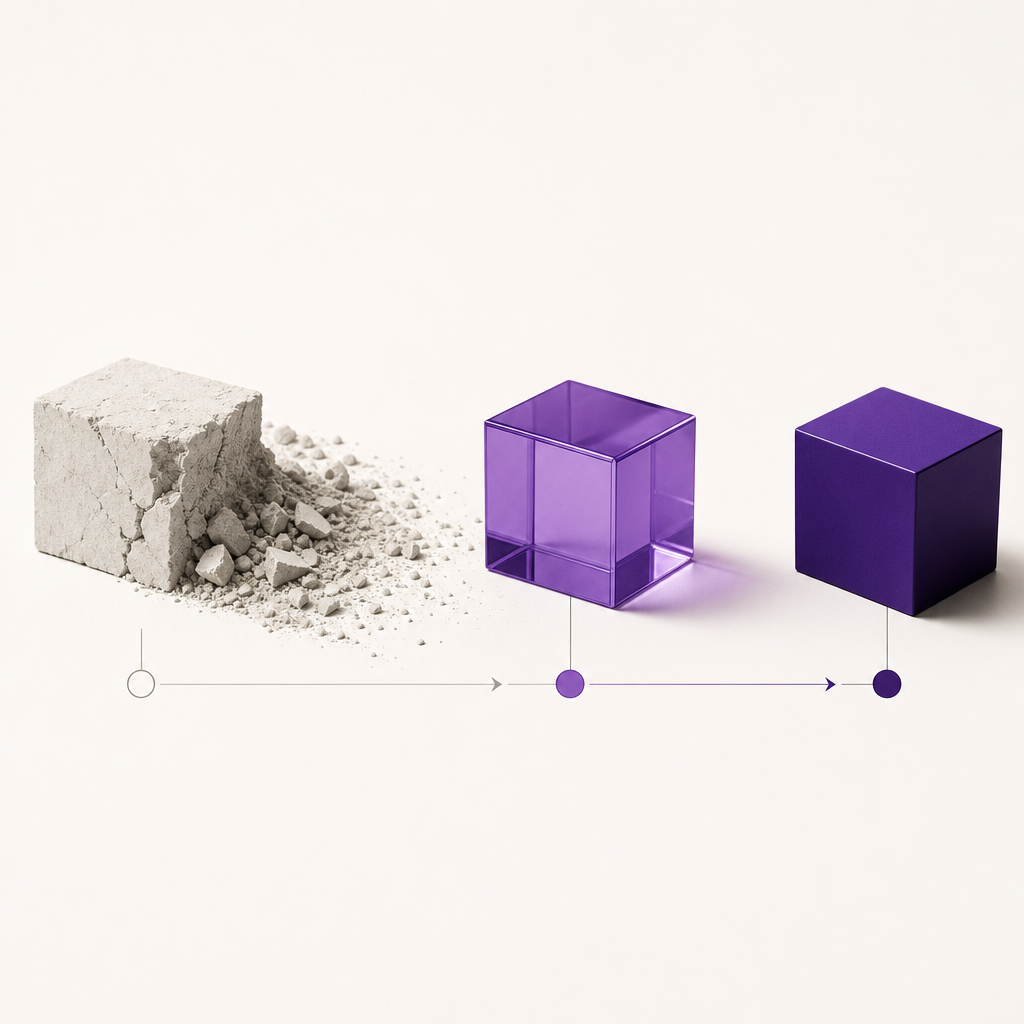
Prototype-stage tools help you validate AI feature concepts in days, not sprints.
This category includes prompt playgrounds, low-code LLM wrappers, and conversational UI builders. They are excellent for one thing: getting a working demo in front of a stakeholder or user researcher within 48 hours.
What they do well:
- Single-turn or short-context conversations
- Rapid iteration on prompt design
- Visual output for usability testing
What they do not do:
- Persist memory across sessions
- Execute actions on external systems
- Learn from outcomes without manual retraining
The risk for SaaS product teams: prototype tools get promoted to production. A team builds a customer-facing FAQ bot in a chatbot builder, it works in testing, and then it ships. Six months later, the same team is patching together integrations the tool was never designed to support. The prototype becomes technical debt.
Use prototype tools to answer: "Does this AI feature resonate with users?" Stop there.
What does the "automate" category actually deliver?

Automation platforms eliminate repeating manual tasks inside a defined, linear workflow.
Tools in this category, workflow builders, RPA hybrids, and trigger-action platforms, are mature, reliable, and well-understood. They connect System A to System B when Event X happens. For SaaS product teams, they are the right choice when:
The workflow has fewer than five decision points
Exceptions are rare and predictable
The task is repetitive and rule-based
Where they break down is at the edges. Real product workflows are not linear. A user onboarding sequence, for example, branches based on plan tier, feature adoption, engagement signals, and support history. An automation platform executes the branch you configured. It does not decide which branch is optimal for this specific user at this specific moment.
That gap, between executing a rule and making a contextual decision, is where the third category begins.
What does the "orchestrate" category actually deliver?
Agentic orchestration platforms execute multi-step, decision-branching workflows autonomously, and improve with each run.
This is the category most SaaS product teams are not yet evaluating, even though it is the one that delivers the outcomes they describe wanting. The defining characteristics of an agentic system are:
Persistent memory: the agent recalls prior context across sessions and users
Action execution: the agent writes to CRMs, triggers emails, updates databases, not just generates text
Continuous learning: outcomes feed back into the agent's decision policy automatically
Multi-agent coordination: complex goals get decomposed across specialized agents working in parallel
Nagent is often mentioned in this category, so it is worth being precise. Nagent is not a toolkit for building agentic features into your product. It is multiplayer AI for growth teams: ready AI teammates for marketing, sales and content, led by chiefs of staff and working in team rooms beside your people. If your SaaS team's need is growth work rather than product features, that is a different purchase from the tools in this section.
What it shares with this category is the architecture worth looking for: agents that answer from your own Knowledge Hub and cite their sources, take real actions, and work under a control plane where every action is proposed, approved, run and audited.
How should a SaaS product team decide which category to use?
Match the tool class to the build stage, not to the feature checklist.
A practical decision framework:
| Build Stage | Right Category | Wrong Category |
|---|---|---|
| Validating an AI feature idea | Prototype tools | Agentic platforms |
| Removing a defined manual task | Automation platforms | Chatbot builders |
| Running a complex, branching workflow at scale | Agentic orchestration | Automation platforms |
| Building a customer-facing AI experience that learns | Agentic orchestration | Prototype tools |
The signal that you've outgrown your current category: you're spending more time working around the tool's limitations than building product. When your automation platform requires five manual exception-handling rules for every workflow you ship, you need orchestration. When your chatbot builder can't retain context across a 10-step onboarding flow, you need persistent memory.
What are the real risks of staying in the wrong category too long?
The cost is not just technical debt, it's competitive position.
Agentic AI adoption among consumer and retail brands is accelerating toward autonomous commerce operations [^1]. The same structural shift is happening in SaaS. Teams that ship agentic workflows in 2025 are building compounding advantages: their agents get smarter with every run, their workflows handle more edge cases without human escalation, and their product teams spend less time on manual operations.
Teams still running linear automation platforms in 2026 will not just be slower. They will find it harder to match competitors whose agents have a long track record of reviewed, approved work behind them.
The discovery layer is also shifting. Agentic workflows are becoming the primary interface through which B2B software gets evaluated and recommended [^2]. A SaaS product that exposes an agentic API surface, one that other agents can discover, invoke, and compose, occupies a structurally stronger position than one that does not. That is not a feature roadmap item. It is a platform strategy decision.
Where does Nagent fit for SaaS teams?
Nagent's AI teammates sit on the growth side of a SaaS company, not inside the product.
For marketing and content: MIRA, the AI chief of staff for Marketing, plans product-led growth campaigns and hands the writing to CREA's Content team, and DRIS measures how answer engines cite your product and proposes fixes a person approves.
For sales: SERA, the AI chief of staff for Sales, routes sales work and reports where deals stand from the CRM, and NORA researches accounts that fit your customer profile and drafts first e-mails for approval. Nagent does not run customer support conversations or transcribe calls.
Each of them works under approval: nothing is published or sent until a person approves it.
Related reading
Frequently Asked Questions
What is the difference between a no-code AI tool and an agentic AI platform?
A no-code AI tool typically lets you configure a single-step AI action, generate text, classify input, trigger a response, without writing code. An agentic AI platform orchestrates multi-step, decision-branching workflows where the agent takes real actions on external systems, retains memory across sessions, and improves its decision policy automatically. The distinction matters because agentic platforms replace workflows, not just tasks.
Can a SaaS product team deploy an agentic workflow without an ML engineer?
Often, yes. Several orchestration platforms let a product manager describe a goal and configure agents without an ML engineer, though someone still owns testing and upkeep. For growth work rather than product features, ready AI teammates such as Nagent's need no build at all.
When should a SaaS team graduate from automation tools to agentic orchestration?
The clearest signal is exception volume. When your automation workflows require frequent manual intervention, because real inputs don't match the rules you configured, you need an agent that can make contextual decisions, not just execute branches. A second signal is memory: if your workflows need to recall prior user behavior or cross-session context, automation platforms structurally cannot deliver that.
How quickly can a team start with Nagent?
Nagent has no agents to build or configure from a library. A growth team briefs a chief of staff in a team room and the work starts there; the setup time goes into connecting tools and agreeing what needs a person's approval. Where the plan includes it, a Nagent forward deployed marketer joins the team and owns the number with you.
Are top no-code AI tools secure enough for enterprise SaaS use?
Security requirements vary by deployment, so ask each vendor for evidence rather than a badge. For Nagent: ISO/IEC 27001:2022 certified; SOC 2 Type II programme underway; tenant isolation, RBAC, append-only audit and private VPC available today. Regulated teams can run Nagent in a private VPC on the Enterprise plan with BYO model and BYO key.
What's next
If your team is weighing the move from automation to agentic orchestration for growth work, the fastest path to clarity is a working demo against your actual workflow. Book a demo, bring a real use case, and we will show you what Nagent's AI teammates do with it.
Sources
Agentic AI for Consumer and Retail Brands _(pdf)_
AI ranking optimisation _(pdf)_
The Agentic FMCG Playbook _(pdf)_