
Why AI video tools should quote before rendering

Approving the storyboard and credit cost upfront prevents wasted spend on rework, keeps budgets predictable, and gives teams a real control point before a single frame processes. Rendering is irreversible. Every redo, every resized cut, every last-minute brief change burns credits that no one approved. The right flow is: plan the shots, show the storyboard, attach a price, wait for a human yes. Alpha, Nagent's AI video studio, is built around exactly that sequence.
Why do AI video bills surprise people?
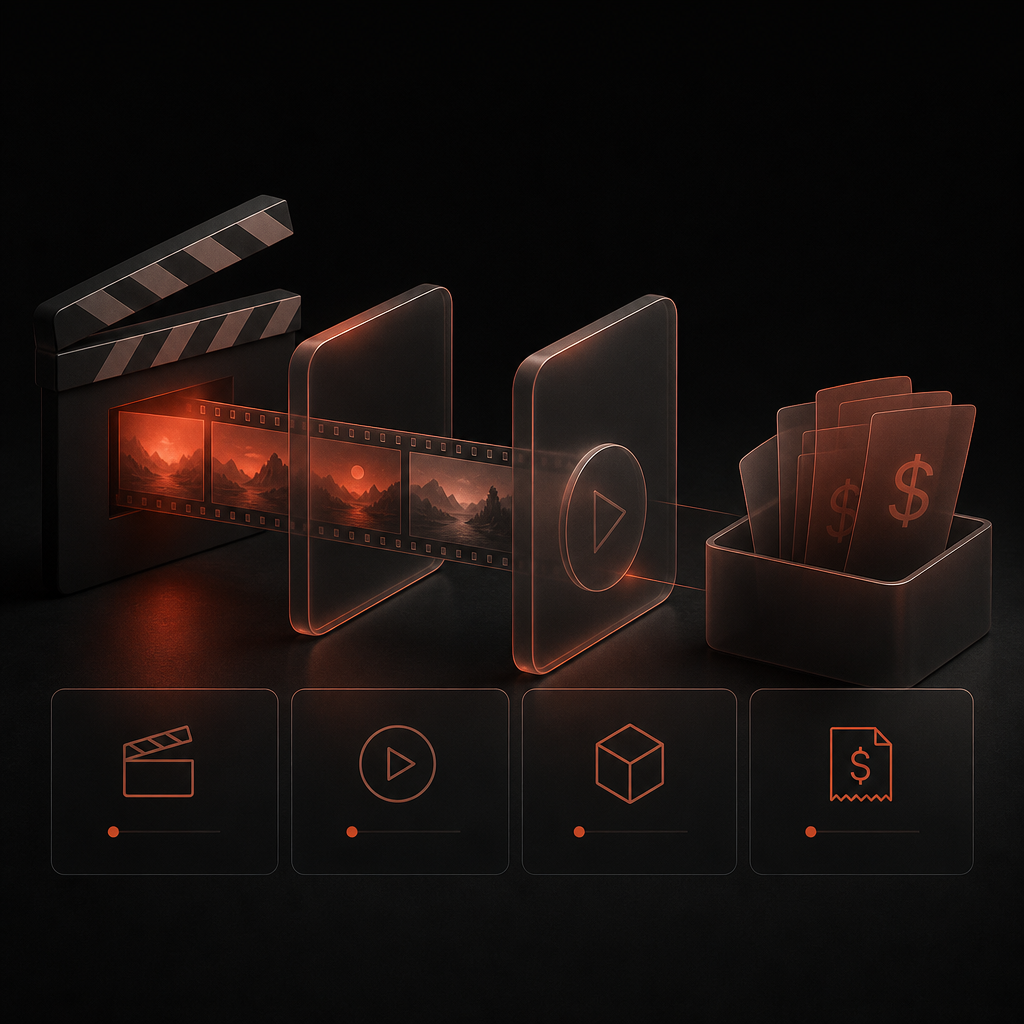
Surprise bills happen because most tools render first and account later.
A brief goes in. The tool renders. The output is wrong, or the hook needs a swap, or legal flags the super. So the team renders again. And again. Each pass costs credits, and no one approved any of them individually. By the time the ad is right, the credit log looks like a receipts pile from a team lunch no one remembers ordering.
This is not a usage problem. It's a workflow problem. When rendering is cheap to start and expensive to redo, the tool should stop you before the first render, not after the third.
What does "quote before render" actually mean?

It means Alpha shows you the storyboard and the credit cost before a single frame processes.
Every job in Alpha moves through a plan first. Alpha describes each shot, assigns it to a lane, and builds a storyboard. That storyboard comes with a quote: the exact credit count the render will spend. A person reviews both. If the storyboard is wrong, you fix it now, at zero cost. If the price is too high, you adjust the scope. Rendering starts only after a person approves. (1)
This is what a storyboard-and-quote workflow looks like in practice:
Brief goes in (from a HOOK brief, a MOXA post, or copy you supply directly).
Alpha builds the shot plan and the storyboard.
Alpha attaches a credit quote to the storyboard.
A person reviews and approves, or sends it back.
Rendering begins only after that approval.
No surprises. No retroactive invoices. No "we rendered twelve versions and here's the bill."
How does Alpha handle shots that aren't ready yet?
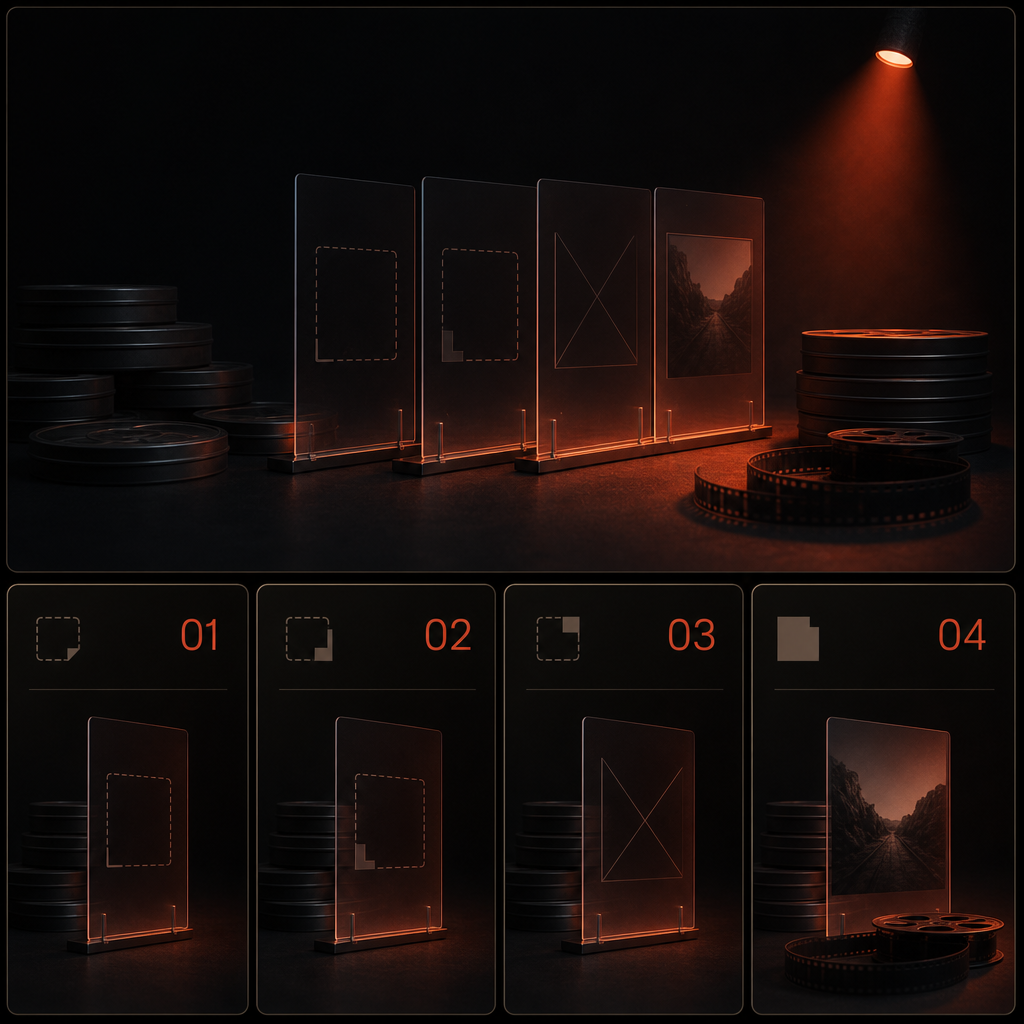
A job that's missing something waits. It doesn't render partial work and charge for it.
If a shot needs a product keyframe and none has been picked, Alpha parks that lane. The job status shows "Needs you" or "Parked," and the reason is named. Nothing spends. This matters because partial renders are a hidden cost driver: a tool that renders what it can and leaves gaps still bills you for the frames it completed, even if the final cut is unusable.
Alpha's approach is the opposite. A Parked job names its reason and spends nothing until the blocker is resolved. When the keyframe arrives or the brief is updated, the job resumes from where it stopped.
How do spending caps control spend beyond storyboard approval?
Alpha enforces a spending cap, and any job that would exceed it stops and waits for a person.
Approving a storyboard is not a blank check. Alpha tracks credits against a cap set at the workspace level. If a job's cost would push past that cap, it does not proceed. It surfaces the overage and waits. A person decides whether to raise the cap or reduce the scope. (1)
This gives content and performance leads two control points, not one:
The storyboard approval gates the creative direction.
The spending cap gates the total outlay.
Both are human decisions. Alpha carries the job from brief to proof on autopilot between those gates, but she does not spend past either one without a person's say-so.
Does Alpha write the script or the words on screen?
No. Alpha never writes the words that appear on screen.
Voice-over, supers, and the call to action come from a HOOK brief, from a post MOXA sends, or from copy a person supplies directly. A plan with none of those says so: it flags the gap rather than filling it with generated copy. (1) This matters for D2C brands with claims to protect. Regulatory language, promotional terms, and brand voice are yours to own. Alpha assembles the visual plan around the words you bring.
The storyboard-and-quote model depends on this separation. The storyboard is a shot plan, not a script generator. You see exactly what will appear on screen before the render runs, because you wrote it.
What quality tiers are available, and how does the quote reflect them?
Alpha offers three render tiers, and the quote reflects whichever one you choose before anything processes.
Test renders 720p animatics only. Use this to check pacing and shot order without spending Hero-tier credits.
Standard renders at 1080p.
Hero renders 4K masters.
The animatic tier is particularly useful for the storyboard-and-quote workflow: you approve the animatic first, confirm the shots are right, then upgrade to Standard or Hero for the final render. You pay for the upgrade, not for the mistakes. (2)
What happens after the render is approved?
Alpha delivers a joined cut, and variants come from that cut without re-rendering the shots that didn't change.
A hook swap renders one shot. A CTA swap renders one shot. A resize, a caption layer, a language swap: each touches only what changes. Shots already rendered are reused. Nothing is paid for twice. (1) For a performance team running creative tests across multiple audiences, this is where the storyboard-and-quote model compounds. The first approved cut becomes the base. Every variant is a delta, not a fresh job.
Is Alpha in production or still in Beta?
Alpha is currently in Beta.
That's worth naming plainly. The capability is real and the workflow described here is live, but the product carries a Beta label. If you're planning a campaign around a specific delivery date, talk to Nagent before committing to that timeline.
Related reading
Frequently Asked Questions
Does Alpha spend any credits before I approve the storyboard?
No. Paid rendering starts only after a person approves the storyboard and its credit quote. If a job is missing assets or a brief, it parks and spends nothing until the blocker is resolved.
Can I see the storyboard and credit quote before rendering begins?
Yes, that is the core workflow. Alpha plans each shot, assigns it to a lane, builds the storyboard, and attaches a credit quote. You review both before any frame processes.
What stops Alpha from running past my budget?
A workspace-level spending cap. Any job that would push past the cap stops and surfaces the overage. A person decides whether to raise the cap or reduce the scope before the job continues.
Can Alpha generate the script or the words on screen?
No. Alpha never writes the words that appear on screen. Voice-over, supers, and calls to action come from a HOOK brief, a MOXA post, or copy you supply. A plan with none of those flags the gap rather than filling it.
How do variants work after the first render is approved?
Variants reuse the shots already rendered and process only what changes. A hook swap renders one shot. A resize or caption layer touches only that layer. Nothing already approved is billed again.
What should you do next?
See the storyboard-and-quote flow for yourself before your next campaign brief lands. Book a demo with Nagent and watch Alpha plan a job from a real brief, with the credit quote attached before anything renders.