
AI Jewellery Product Photography Without a Studio
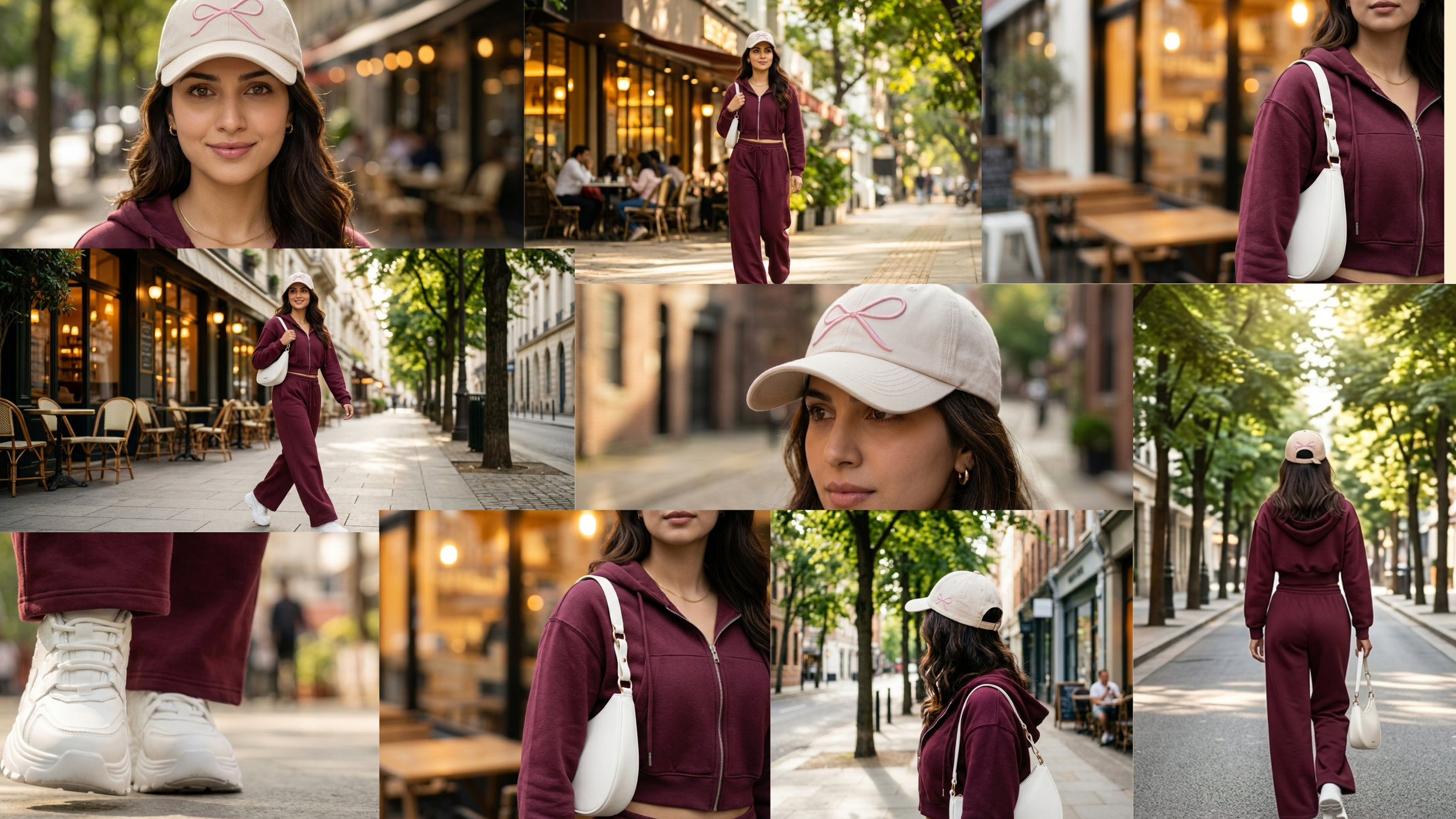
AI jewellery product photography works, but only when you treat your own product shots as the non-negotiable foundation. Metal reflectivity, stone clarity and accurate scale cannot be generated from a text prompt. Start from a real reference image, use AI to build the scene, the model and the format around it, and check every output plate before it goes live. That is the correct workflow. Everything else is guesswork.
Why is jewellery the hardest category for AI product images?
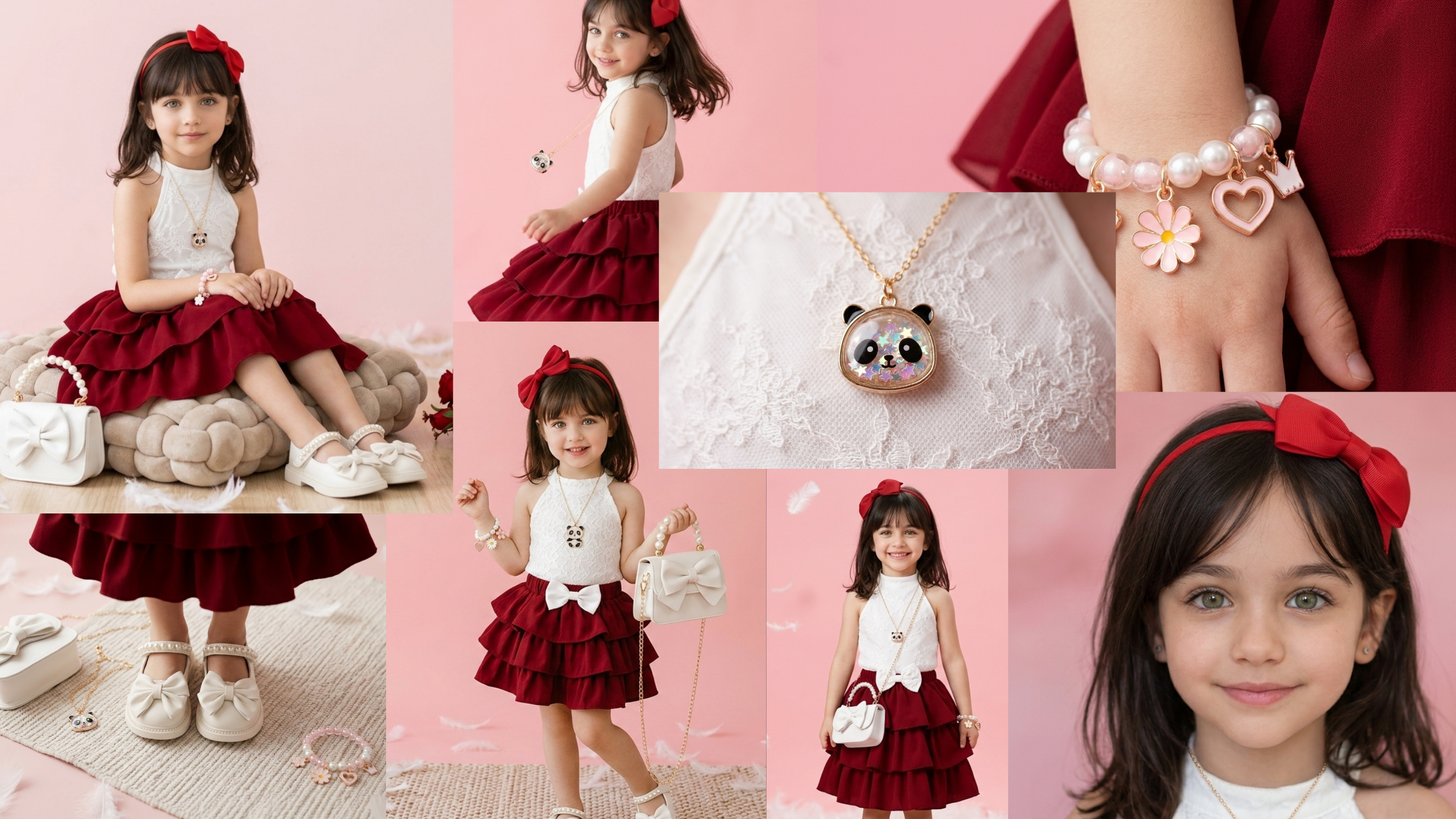
Jewellery defeats generic AI image tools because the physics of the product are unforgiving.
A soft-goods product like a plain cotton top can be approximated. A 22-karat gold chain cannot. The way light bends across a faceted stone, the micro-texture of a brushed silver band, the apparent size of a pendant against a collarbone: these are not details AI invents well. Hallmarking, stone colour grading and carat weight are legal claims. If the AI softens a VS1 diamond into something that looks like SI2, or makes a 10mm pendant look 20mm, you have a compliance problem, not just an aesthetic one.
This is why ai jewellery product photography requires a different starting point than, say, apparel or packaged goods.
What is the right input to give an AI jewellery photography tool?
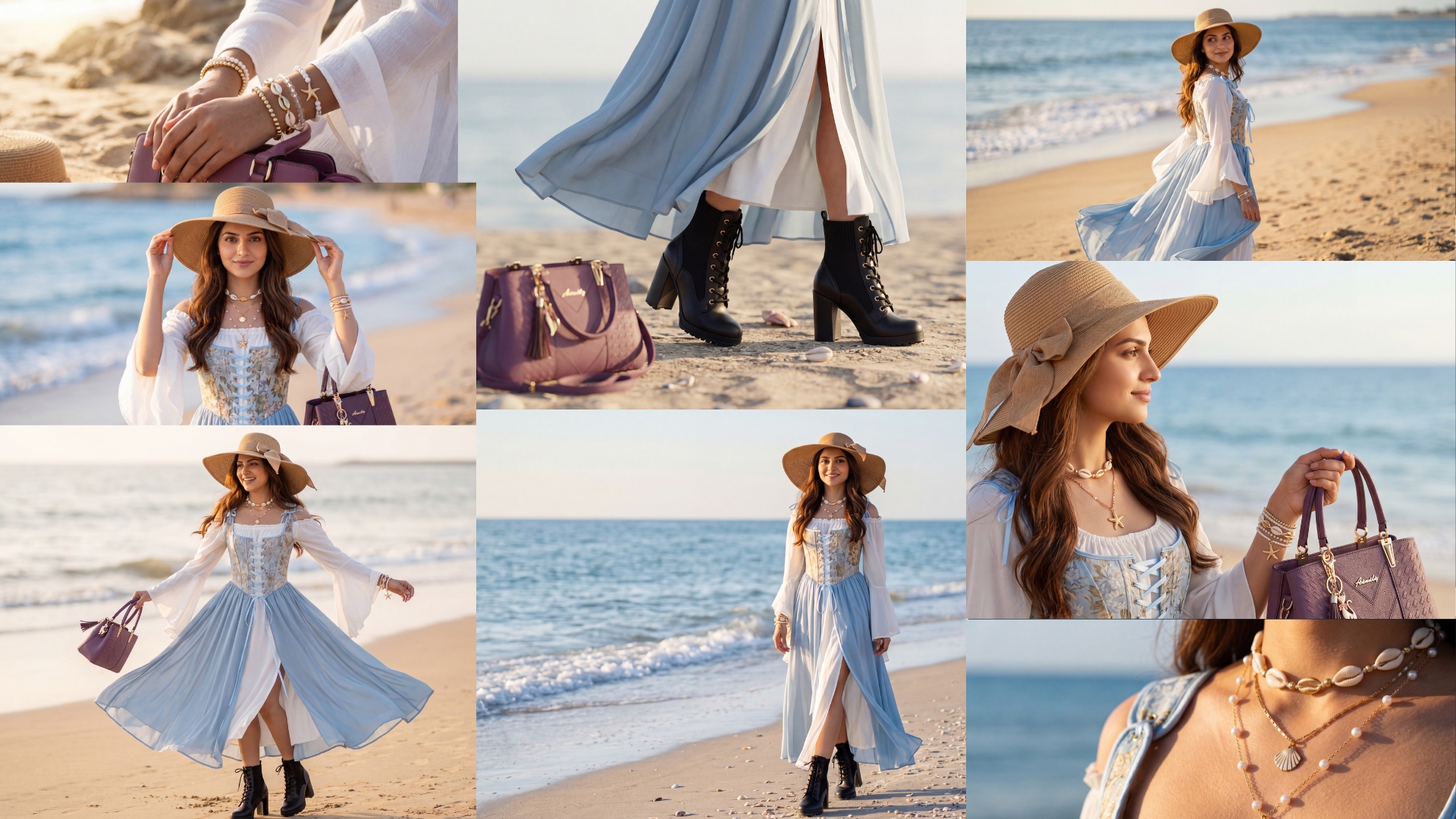
The right input is your own product shot, not a text description.
A clean, well-lit reference photograph of the actual piece, shot on a neutral background, gives the AI a locked source of truth. The metal tone, the stone colour, the proportions and the finish are all captured in that file. The AI's job is then to place that product into a scene, a lifestyle context or a format, not to imagine what the product looks like.
RUPA, Nagent's AI image studio, is built around this model. You attach a product shot that must appear in the output. RUPA can relight a plate or cut the subject out and composite it into a new environment, but the product itself comes from your image. That is the architectural difference between a tool that generates jewellery and a tool that photographs it virtually.
How does RUPA handle scenes, models and formats?
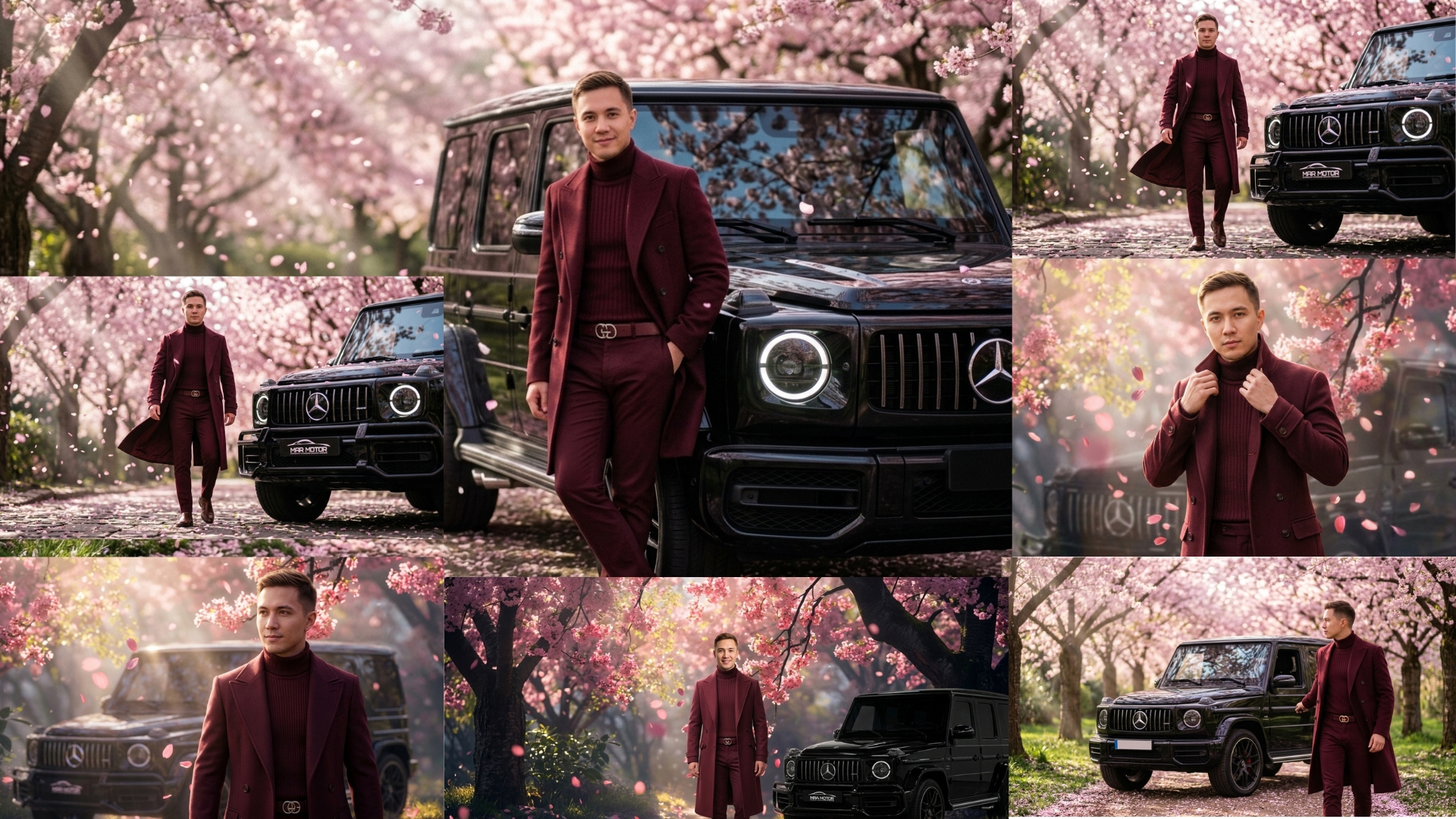
RUPA orchestrates full-scale photoshoots with control over models, weather, location and styling preferences.
For a jewellery marketing lead, that means you can take one clean packshot of a gold bangle and produce:
A studio sweep version for the product detail page
A lifestyle scene with a model's wrist in natural light for social media
A close-up hero shot on a marble surface for a paid Meta ad
A white-background cutout for a marketplace listing
The product in each frame is the same image you supplied. The scene, the model and the lighting are built around it by the AI. That distinction matters enormously for brand integrity and for legal compliance.
What is Brand Lock and why does it matter for jewellery?
Keeping the product's visual identity consistent across every output prevents a rose-gold ring from drifting to yellow gold between frames.
Colour drift is a real problem in AI image generation. Ask a general-purpose tool to produce ten lifestyle images of the same necklace, and you will get ten slightly different necklaces. Stone colour shifts. Metal warmth varies. Proportions creep. For a brand selling a specific product at a specific price, that inconsistency is commercially dangerous.
RUPA's reference-image input acts as the anchor that prevents this drift. The product shot you supply is the plate the AI works from, not a description it interprets. This is the practical mechanism behind consistent ai jewellery product photography at scale.
What outputs can you realistically produce without a studio shoot?
You can produce scenes, lifestyle contexts and format variations without a studio. You cannot produce the product reference image without one.
Here is what AI handles well for jewellery:
Background and environment. Marble, linen, sand, velvet, an outdoor terrace. The AI builds the setting; your product sits in it.
Model styling. A hand, a wrist, a neck, a full lifestyle pose. RUPA gives you control over model appearance and styling.
Lighting mood. Golden hour, studio strobe, soft diffused window light. Relighting a plate is something AI does reliably once the product is correctly exposed in the reference.
Format resizing. Square for a feed post, vertical for short-form placements, horizontal for a banner. One source image, multiple crops and compositions.
What AI does not handle well, and what still needs a real shoot:
The hero reference image itself. This must be shot on a real product, properly lit, with accurate colour calibration.
Close-up detail shots where hallmarking or stone grading is the claim. A loupe-level macro of a diamond's cut needs a macro lens and a real stone.
Video. A spinning product video or a gemstone sparkle reel still requires physical production.
How should you check AI outputs before they go live?
Check every plate against the reference image before it publishes, treating the review as a compliance step, not a creative preference.
The specific things to verify for jewellery:
Metal tone. Does the output match the reference? Rose gold should not look yellow. Sterling silver should not look white gold.
Stone colour and clarity. If the product is an emerald, the output should show an emerald, not a generic green stone.
Scale. Does the pendant look the same size relative to the model's body as it does in real life? Scale errors mislead buyers and generate returns.
Surface texture. Brushed, polished, hammered: the finish should be legible in the output.
Hallmarks and engravings. If they appear in the AI output, they must be accurate. If they are illegible, crop them out rather than show a fabricated mark.
This review step is not optional. AI jewellery product photography accelerates production; it does not remove the need for a human eye on every frame.
What does a production workflow actually look like?
A working workflow has three phases: source, generate, review.
Source. Shoot the product once, properly. A clean packshot on a neutral background, correctly exposed, colour-calibrated. This is your reference library. One shoot can serve dozens of scene-variation campaigns.
Generate. Use RUPA with the reference image attached. Brief the scene, the model styling, the lighting mood and the output format. Run the generation. Expect to produce several variations per brief.
Review. Check every plate against the checklist above. Approve the ones that pass. Reject and regenerate the ones that do not. The review cycle is faster than a studio reshoot, but it is not zero.
The economics here are real: once you have the reference image, scene variations cost a fraction of a studio day.
Related reading
Frequently Asked Questions
Can AI generate a jewellery product image from scratch without a real photo?
General-purpose AI tools can generate jewellery images from text prompts, but the output will not accurately represent a specific product. Metal tone, stone colour, hallmarking and scale are all approximated, not reproduced. For any commercial use, you need a real product photograph as the reference input.
What is the minimum photography setup needed before using AI for jewellery?
You need at least one clean, well-lit packshot of each product on a neutral background, with accurate colour calibration. This does not require a large studio: a lightbox, a calibrated camera and a colour checker card are enough to produce a usable reference image for AI scene generation.
How do I prevent colour drift when generating multiple AI images of the same piece?
Use a tool that accepts a reference image as a locked input rather than interpreting a text description. RUPA works from the product photograph you supply, which anchors the metal tone and stone colour across outputs. Review every plate against the reference before approving it for publication.
Is AI jewellery product photography suitable for marketplace listings?
It depends on the marketplace's policies and your product's compliance requirements. Lifestyle scenes generated from a real product reference are generally suitable for brand channels and paid social. For marketplace product detail pages, check the platform's rules on generated imagery and ensure that scale, colour and material claims in the image match the product exactly.
What still requires a real studio shoot for jewellery brands?
Three things reliably still need physical production: the hero reference image for each product, macro detail shots where stone grading or hallmarking is a visual claim, and video content such as sparkle reels or 360-degree product spins. AI handles scene generation and format variation; the product itself must be photographed for real.
What should you do next?
If you want to see how RUPA handles your specific product references, book a session with the Nagent team and bring your best packshot: Book a Nagent demo.