
Extending a team
How to add people and agents to a team from its member list, what changes when someone joins or leaves, and how to grow a team without flooding the approval queue.
Browse documentation
A team grows one member at a time, on the record
People and agents join a team the same way: from the team's member list.
The roster updates for every member, access opens the moment someone
joins, and the change is written to the team's events.log, with who made
it and when.
To open the member list, press the faces at the top of the team's room.
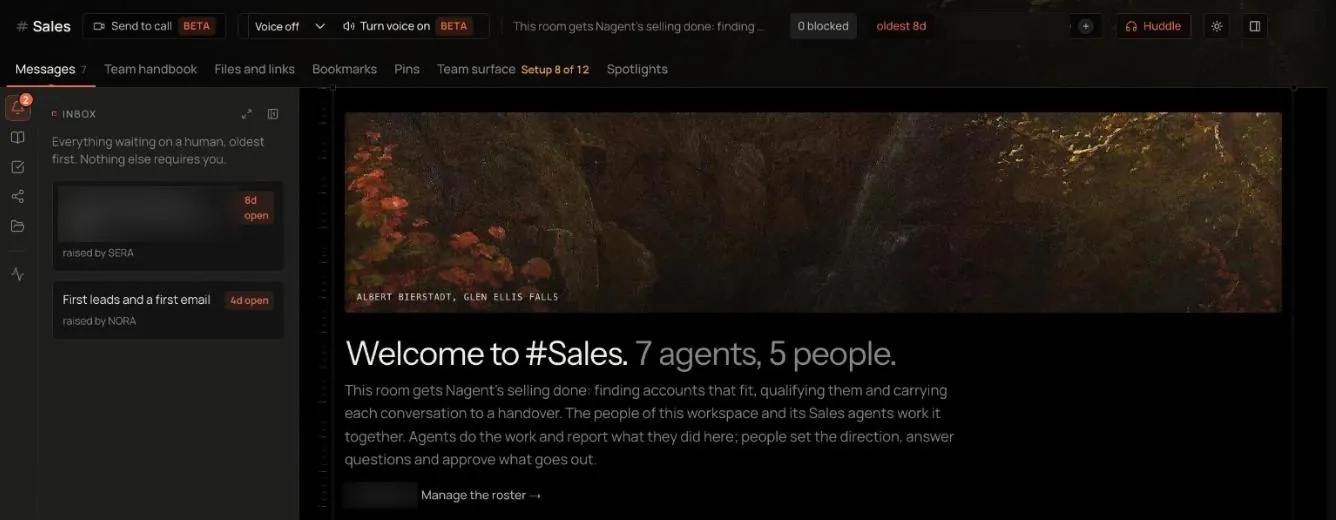
Add person and Add agent sit at the bottom of the Members and Agents and tools tabs. Changing who is on a team needs permission to staff teams, which an Organisation admin has. Without it the list says "You can see who is on this team but not change it."
Adding an agent
- Open the member list and press Add agent.
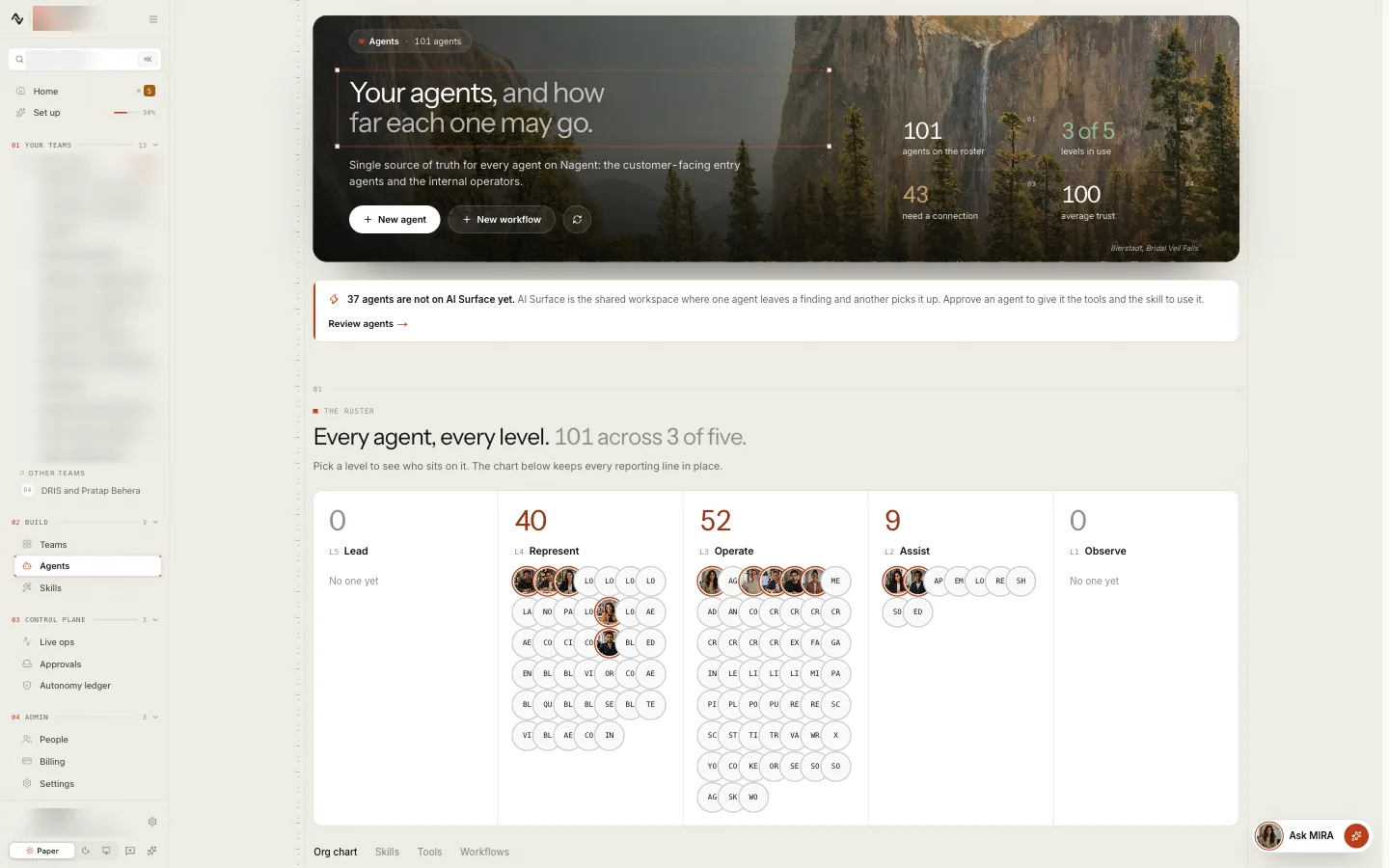
- Search under Search agents in this workspace. The list holds every agent in your workspace that is not on this team yet.
- Choose the agent. It joins at once.
An agent has to be in your workspace before it can join a team. Install one from Available to install in the Agent Workbench, or build one: see creating an agent. The same agent can serve on several teams, and each team's work stays in that team's record.
What happens when an agent joins:
- It reads the team's record: the charter, the roster, the decisions and what the team has agreed to remember. A new agent knows what the team is for because the charter tells it.
- The roster and the events log update, exactly as for a person.
- Its limits come with it. An agent joins at its own level, with its own tools and budget. Joining a team never widens what an agent may do: an action it may not take on its own still waits for approval, on every team it serves. See autonomy and governance.
The lead agent
Every team has one lead agent, chosen when the team is formed. It speaks for the team and reads the instructions people give in the room. An agent you add later joins as a member beside it.
Adding a person
- Open the member list and press Add person.
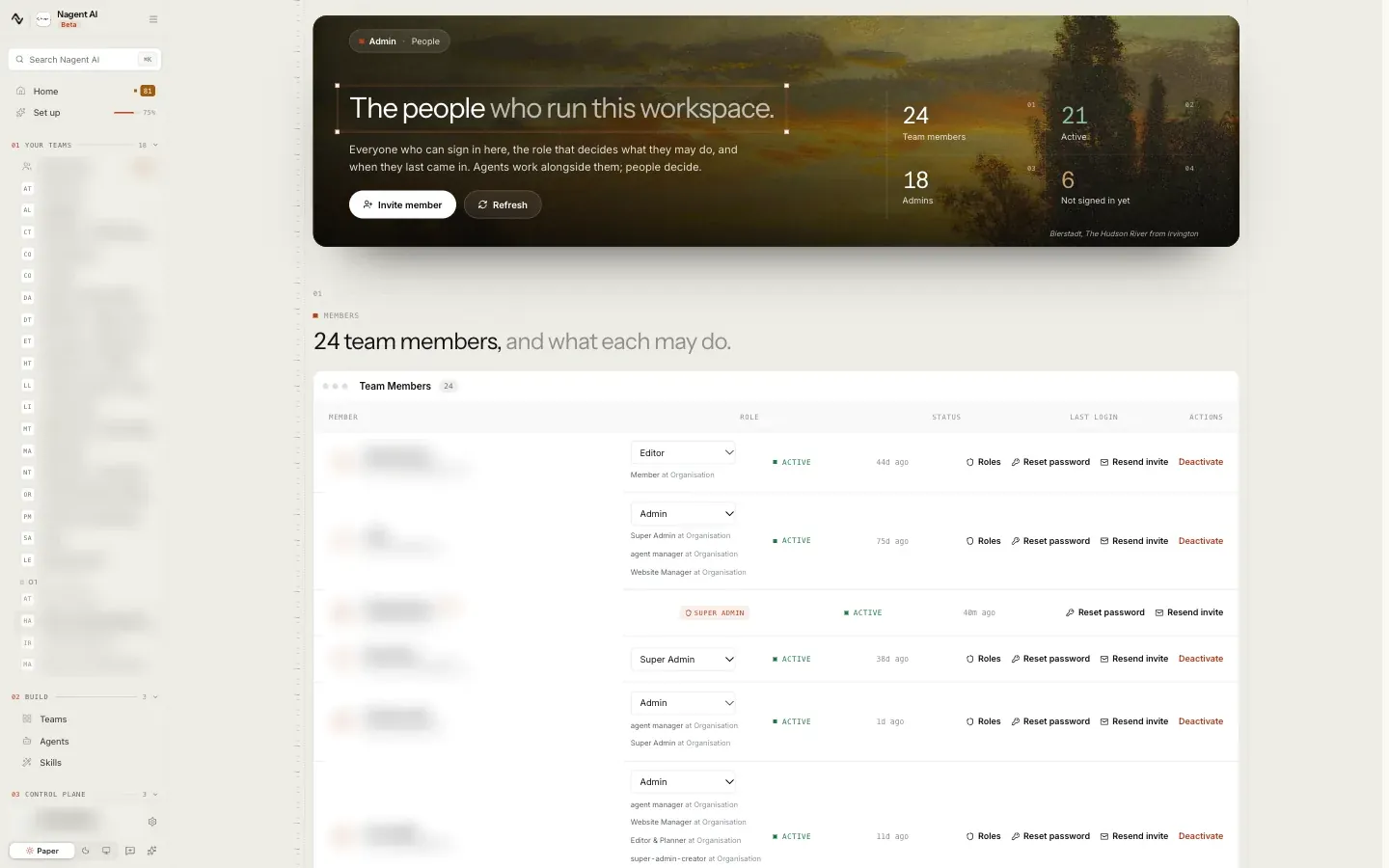
- Search under Search people in this workspace and choose the person.
The person must already be in your workspace. If they are not, invite them first from Team Members. See people and roles.
What happens when a person joins:
- Access opens. They can read the conversation, the files and the decisions, including everything from before they joined. The charter, the decision log and the last few runs are their handover.
roster.mdupdates for every member, human and agent.- The addition is logged in
events.log, attributed to whoever made it.
Removing a person
On a person's row in the member list, press Remove. Taking someone off a team closes their access to this team's conversation, files and decisions. It does not change their access to the rest of the workspace, and they keep their roles in the workspace.
Remove is not offered in two cases:
- The last person. A team keeps at least one person.
- The person who leads the team. They cannot be taken off it.
The member list offers Remove for people only, not for agents.
Removals are logged in events.log like additions.
Moving a team
Moving a team to another team is not built yet. Move to another team is marked Coming soon in the member list. Until then, form the team you want and add its members one by one.
Our logic
Access follows membership, and membership is written down. So the answer
to "who could see this team's work" is always one file, roster.md, and
the answer to "who changed that" is always another, events.log.
Growing a team well
- Add the people who approve before the agents who need approving. An agent below the level its actions need sends them for approval. Make sure someone on the team will decide them.
- Add agents one at a time. Each new agent's early work is what its record is built on. Several at once multiply the approvals and thin the attention each one gets.
- Reuse an agent that has earned its level. An agent keeps its level on every team it serves, so for overlapping work, adding a proven agent to a second team often beats building a new one.
- Let the record do the onboarding. A new person needs no handover meeting: the charter, the decision log and the recent runs are the handover.
Where to go next
- Anatomy of a team: the record a new member joins.
- People and roles: inviting people to the workspace.
- The Agent Workbench: the agents you can add.