
The Knowledge Hub
What the Knowledge Hub holds, its six sections and their tabs, the order to fill them in, what your agents read from it when they work, and the questions they could not answer.
Browse documentation
Your agents work from your material, not from guesses
An agent that does not know what you sell, who buys it and how you sound writes something generic. The Knowledge Hub is where you tell it. It holds your documents, the customer you sell to, your products and services, the pages of your website, your brand and your images, in one place, and all of it belongs to your workspace alone.
Open it at nagent.ai/admin/knowledge, or from the Knowledge sources card on Workspace set-up.
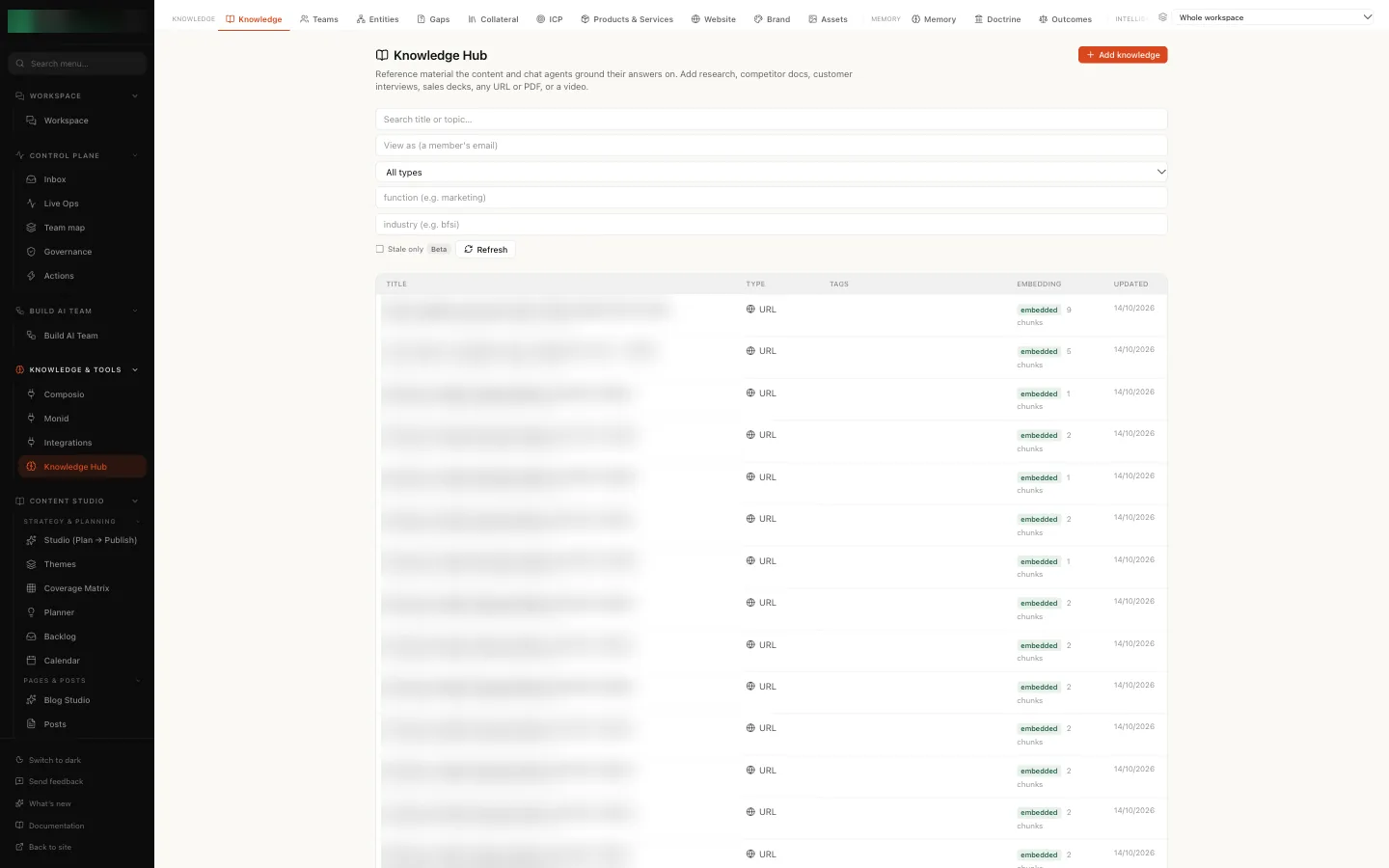
The sections and their tabs
The bar across the top groups the tabs into six sections, each a kind of work you come to do: Needs you, Teach, Your business, Market, Memory and Organise. Press a section and its tabs open underneath; each tab says in a few words what it holds. Many are marked Beta. The Whole workspace menu at the right picks whose knowledge you are looking at.
| Section | What it is for | Tabs |
|---|---|---|
| Needs you | What waits for a person to approve, write or fix | To do, Gaps (questions your agents could not answer, below) and Health |
| Teach | What your agents read | Documents, Collateral (decks, papers and sheets your agents can send), Assets, Website, Brand and Entities (the people, companies and concepts your documents mention) |
| Your business | Who you sell to, what you sell, and every account | ICP, Products & Services, Accounts (below) and Customers |
| Market | Briefs on competitors and the market, kept fresh for your agents | Competitors, Insights, then Industry, Market, Positioning, Marketing, Sales and Content |
| Memory | What your agents learned, and what waits for your review | Memory (what each level of the organisation knows), Doctrine and Outcomes |
| Organise | Who works where, what they can do, and the runs they repeat | Teams (the teams in your sidebar, the documents each can use and its open gaps), Skills and Workflows |
The tabs you fill in yourself:
| Tab | What it holds | Read more |
|---|---|---|
| Documents | Documents your agents ground on | Adding knowledge |
| ICP | Who you sell to | Who you sell to |
| Products & Services | What you sell | Products and services |
| Website | Pages we read to learn your business | Bootstrapping from your website |
| Brand | How you sound and look | Your brand |
| Assets | Images and files agents can use | RUPA Studio |
You see the tabs your role allows. Someone who may read documents but not your brand, for example, sees the Documents tab and no Brand tab. A workspace admin sees every tab.
Documents
The list of your documents: research, competitor material, sales decks, call transcripts, product notes, anything written down. Search it, filter it by type, function or industry, and check each document's status.
Select Add knowledge to paste text, give a URL or upload a file. A document is readable by agents once its status reads embedded. Pending means it is still being indexed, and failed means agents cannot read it at all. Adding knowledge covers each step and what to do about a failed document.
ICP
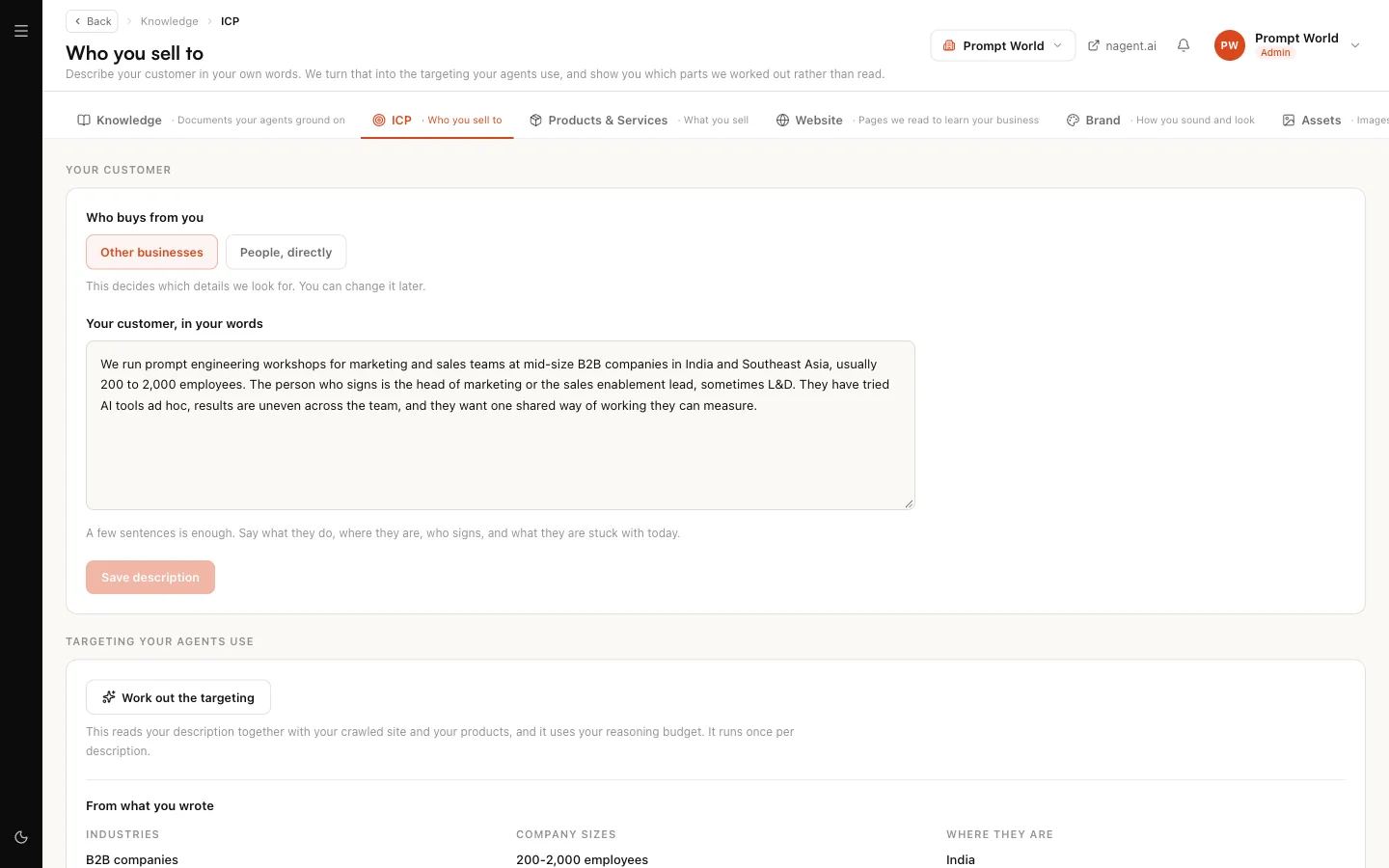
The Who you sell to screen. Describe your customer in a few sentences, and Nagent works out the targeting your agents use: industries, company sizes, where buyers are and who signs. What you wrote and what Nagent concluded are shown apart, so you can correct the second without losing the first.
Products & Services
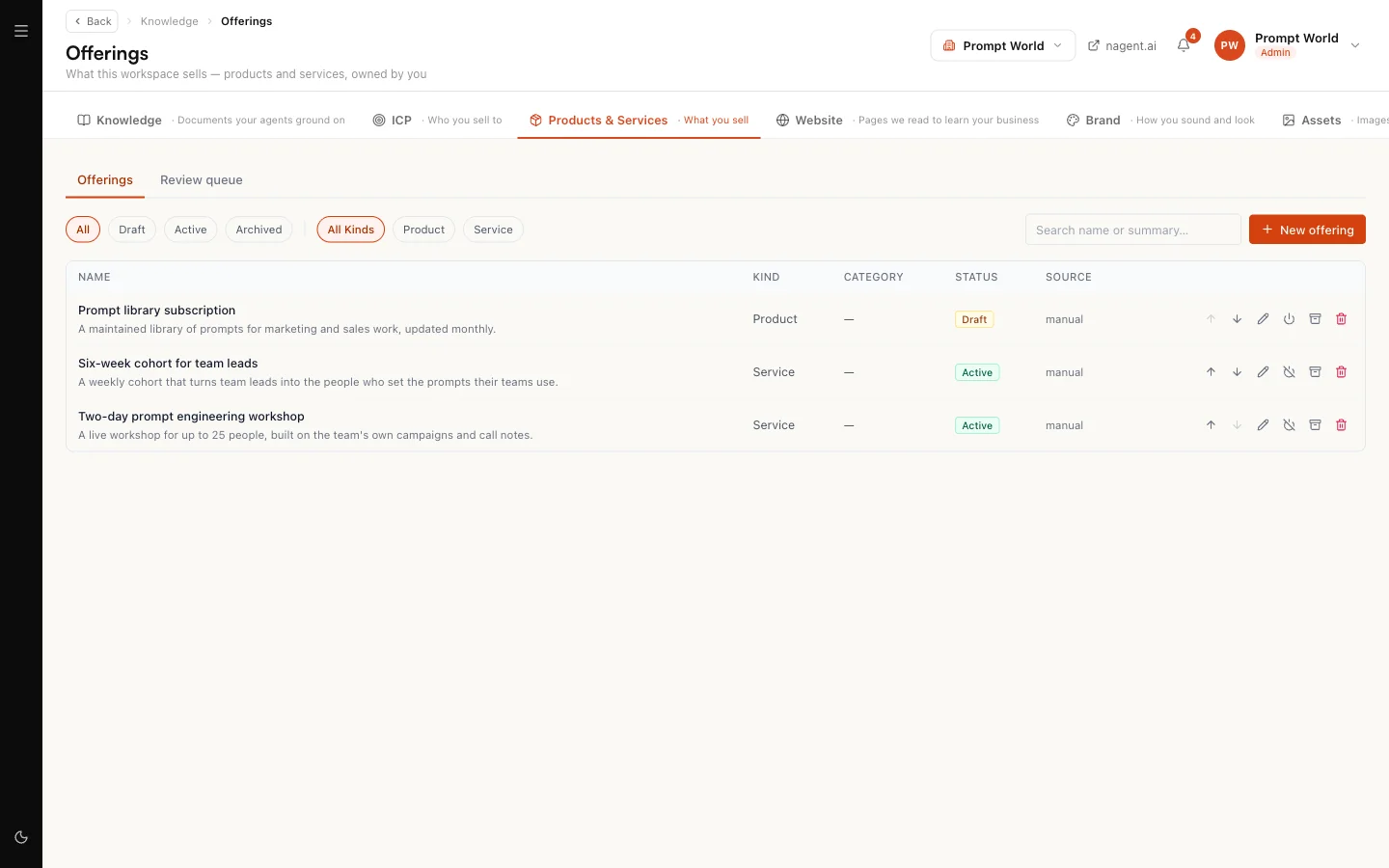
The Offerings screen: what you sell. Nagent can draft offerings from your website, a page or a file, and those drafts wait in the Review queue. An offering reaches your agents only once a person makes it active.
Website
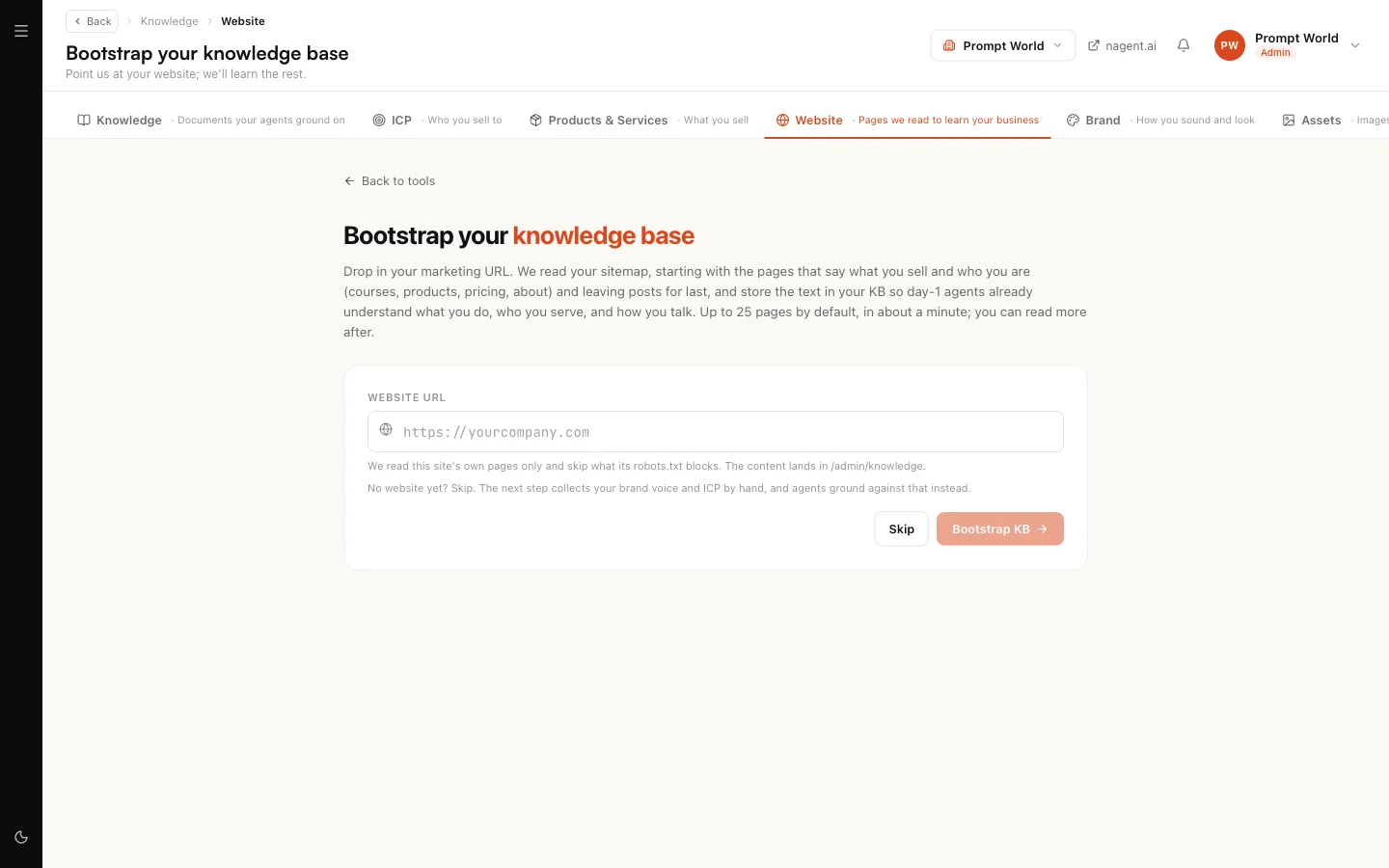
Give Nagent your marketing site's address and it reads your sitemap, starting with the pages that say what you sell and who you are. Each page becomes a document on the Documents tab, so agents know your business from day one. No website yet? Select Skip.
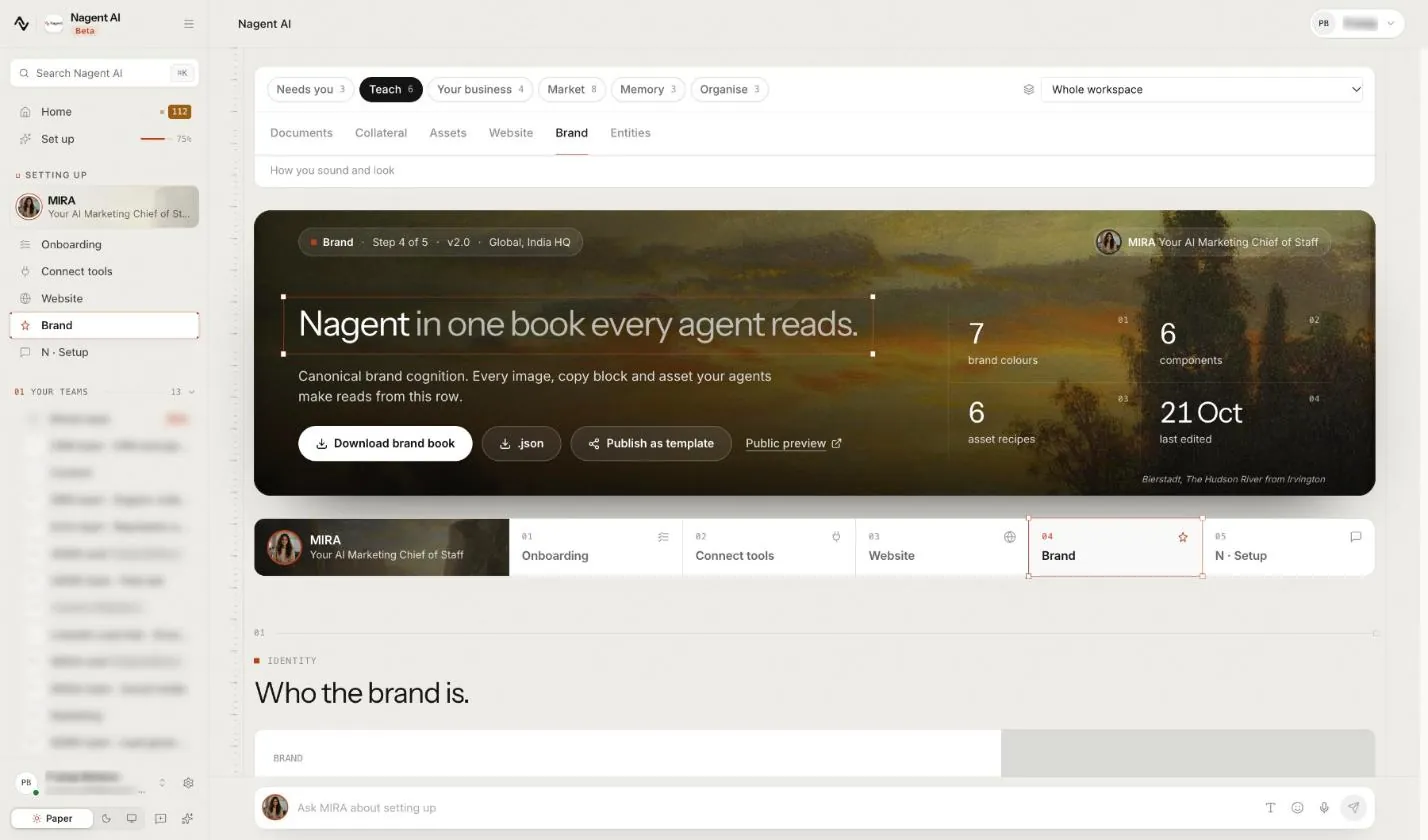
Brand
The Brand page: your brand voice, logos, colours, guideline document and brand book. Writing agents take their voice from it, and RUPA, the image agent, applies it to images. A drafted voice applies only once you confirm it.
Assets
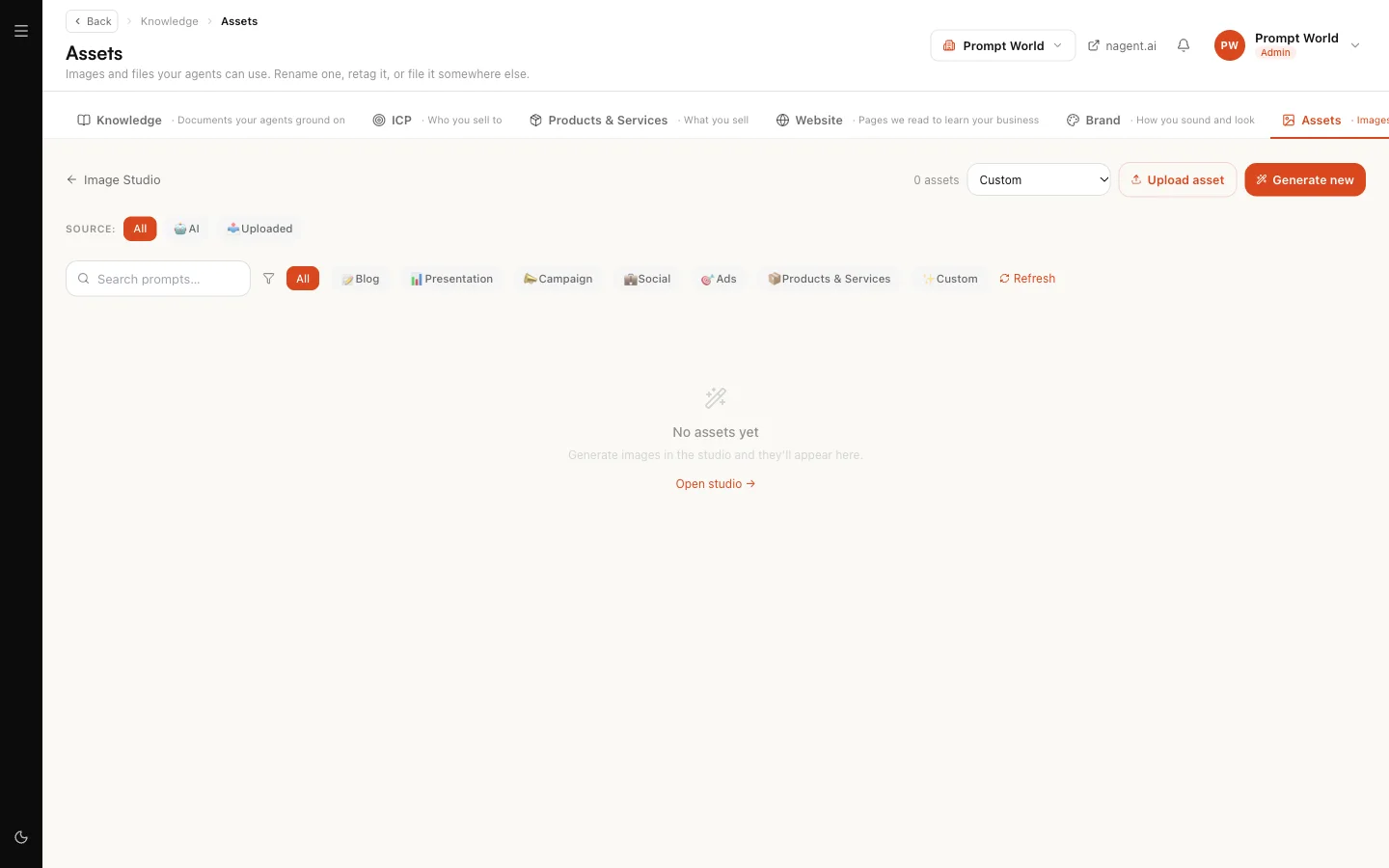
Images and files your agents can use, whether you uploaded them or RUPA made them. Select Upload to add your own, or Generate new to make one in the image studio. Filter by source, AI or uploaded, or by what the image is for.
Every file you upload is stored under your own workspace and is never shared with another one.
The order to fill it in
On a new workspace, work through the tabs in this order. Each step gives the next one more to go on.
- Website. Point Nagent at your site, so it has your own pages.
- ICP. Describe your customer. Working out the targeting reads your description together with the pages from step 1 and your products.
- Products & Services. Review the drafted offerings, correct them, and make the right ones active.
- Brand. Draft your voice from your website, read it, and confirm it.
- Documents. Add what your site does not carry: decks, price sheets, call transcripts.
For Prompt World, which runs prompt engineering workshops for marketing and sales teams, that is its site; a description of heads of marketing at mid-size B2B companies; its two-day workshop and six-week cohort as active offerings; its voice; and the one-pager it sends after a discovery call.
The Knowledge sources card on Workspace set-up shows how far you are. It asks for you when a source failed to index, however many you added. See workspace set-up.
What your agents read, and how
Different material reaches agents in different ways.
- Documents are read by passage. When an agent answers a question or drafts something, it looks up the passages of your documents that bear on the request and works from those.
- Your customer, offerings and brand are read as settings. An agent that finds prospects reads your targeting. One that suggests what to lead with picks from your active offerings. One that writes takes your confirmed voice.
- Assets are files, not text. They are not read for meaning; agents and RUPA pick them up and use them.
Your workspace is one of three sources. Each team also keeps its own record in its team room: its charter, the files shared with it, its decisions and what it has agreed to remember (see the team files). And each agent carries its own skills, which say how it does its work. An agent working in a team draws on all three.
Each level of your organisation, a team, a department or the whole workspace, also keeps its own memory, separate from a team room's remembered notes. Each week Nagent proposes lines for it from what two or more of its agents learned, and each month it proposes roll-ups of lines approved in two or more levels below. They wait on the Memory tab, under Proposed by the system. A person with rank at that level can edit a line, then press Approve into its section or Reject; anyone else reads "Awaiting someone with rank at this level." Nothing proposed is used until a person approves it.
Accounts: everything about one customer
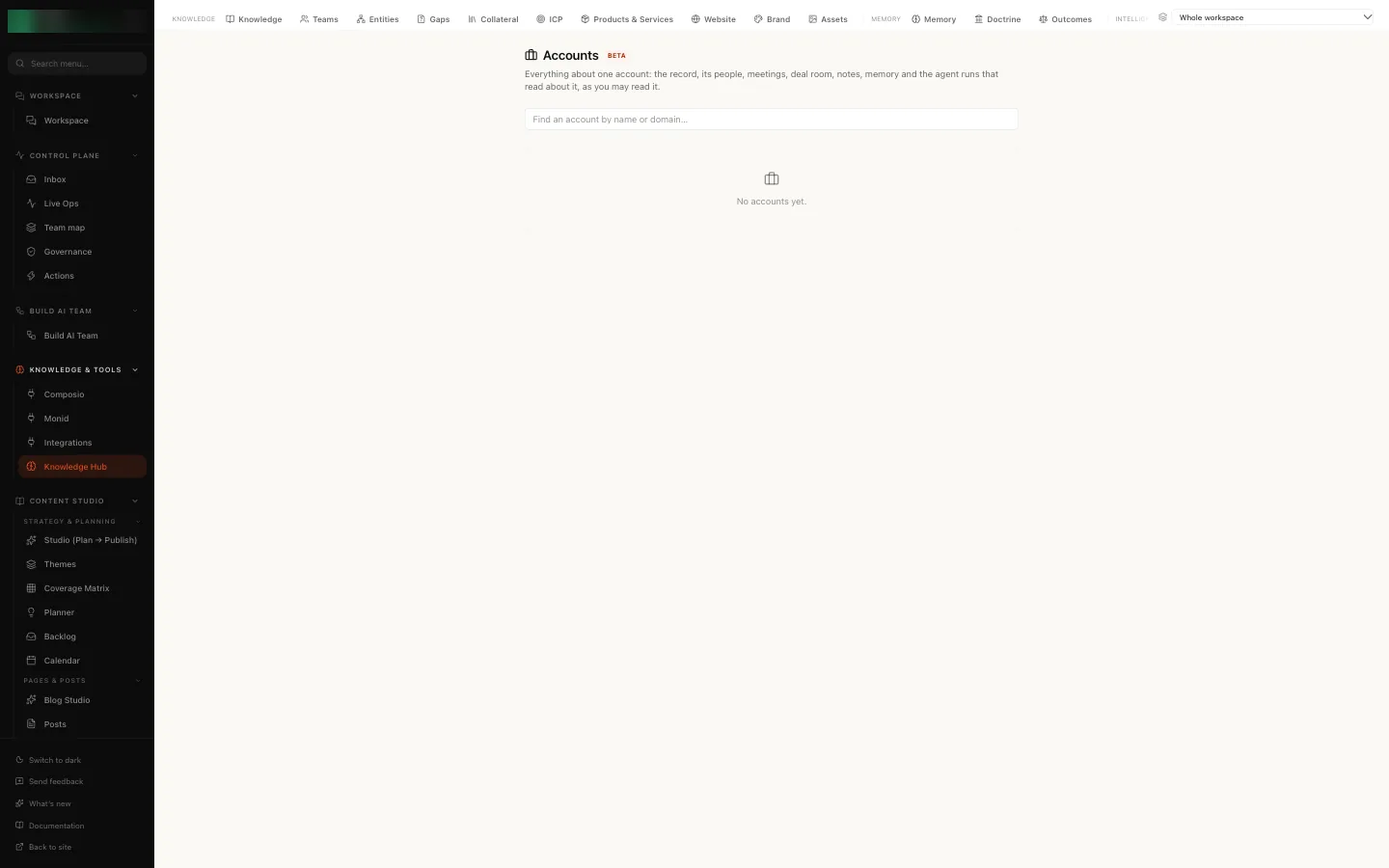
Accounts, under Your business, is one page per account. Search by name or domain, and the list shows each account's status, contacts and last activity. Open one to see, on one page:
- From the CRM: the record, its contacts, meetings, deal room, and signals from the last 30 days.
- From knowledge: account notes, what has been shared with this customer, memory, what it is linked to in the graph, and the agent runs from the last 30 days that read about it, each with See the run.
Each half is shown as your role may read it. Without access to leads you see the knowledge half and a note in place of the CRM half, and the other way round.
Gaps: what your agents could not answer
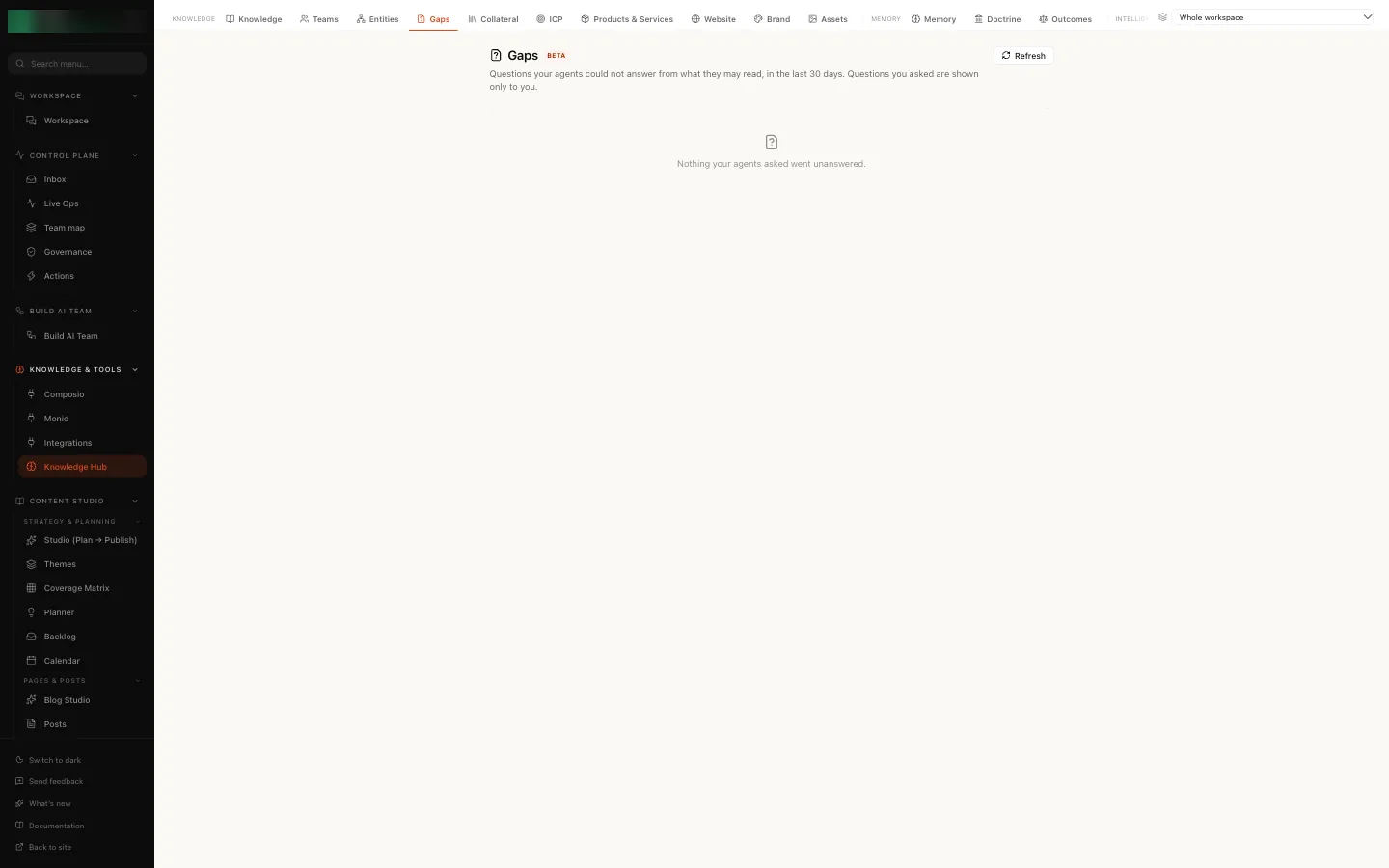
Gaps lists the questions your agents could not answer from what they may read, in the last 30 days, grouped by topic, with how often each was asked and by which agents. Each gap is titled with the question as it was asked. Questions you asked yourself are marked Asked by you and shown only to you.
Only real questions are listed. When you correct an agent ("No, that should be weekly"), tell it what to focus on, or ask whether it can do something ("can you post to LinkedIn?"), the agent still answers, but no document could fill that, so it is not a gap. A spoken message too short or unclear to read is left out the same way.
For each gap you can:
- Write this document: the answer box opens with a draft written from your own documents and site, each paragraph naming the document it came from. Check and edit it, give it a title (it starts as the question), then Save document. It is filed at the level of the agent that asked, so the agents that needed it can now read it. When nothing in your documents answers the question, the box stays empty and says so. The draft never uses anything outside your workspace.
- Add to retrieval check: keep the question, so you can see whether later material answers it.
- Not a gap: say why (not something a document answers, the same as another gap, or noise) and dismiss it. Those questions do not come back as a gap.
When nothing went unanswered, the tab says "Nothing your agents asked went unanswered."
Our logic
What an agent tells your customer should trace back to something you wrote or confirmed. That is why offerings stay out of reach until a person makes them active, why a drafted voice waits for your confirmation, and why a failed document counts against you on set-up rather than as added. If two of your sources disagree, fix the source: an agent cannot know which one you meant.
To do
To do, under Needs you, is where the hub opens: what waits for you, under Approve, Write and Fix, each with the page where it is done. The Write line says what its total is made of, for example "3 gaps, 1 targeting refresh".
Some faults are Nagent's to fix, not yours: a document that failed to embed, the search index and memory writes. You do not see those as tasks and they do not count in your totals. While documents are being read again you see one line, "We're re-reading 2 of your docs", with nothing to do.
Who can do this
Reading the Documents tab and Gaps needs knowledge read permission, and adding or editing documents, writing a document from a gap, drafting one, dismissing a gap and approving a proposed memory line need knowledge write permission. Accounts needs access to leads for its list and its CRM half, and knowledge read permission for its knowledge half. The other tabs follow the permissions of the screens they open. A workspace admin holds all of them.
Where to go next
- Adding knowledge: paste, link or upload a document, and read its status.
- Bootstrapping from your website: load your site in one go.
- Who you sell to: describe your customer.
- Products and services: confirm what you sell.
- Your brand: confirm your voice and your look.